
Raycast AI is an AI-powered productivity system built into Raycast, a launcher and workflow application designed to help users interact with applications, files, commands, and online services from a keyboard-driven interface. Rather than functioning only as a conventional AI chatbot, Raycast AI combines AI chat and commands with agents, extensions, screen awareness, memory, automation, and access to multiple AI models.
Raycast is developed by Raycast, and the platform is available across macOS, Windows, and iOS. Raycast AI is part of the company’s paid plans, while the basic Raycast application remains available through a free plan without AI features.
For people searching for an AI productivity assistant, AI desktop assistant, AI launcher, AI automation tool, AI agent software, AI coding assistant, or AI tool for Mac and Windows, Raycast AI offers a different approach from standalone chatbots. Its main idea is to bring AI into the user’s existing computer workflow rather than requiring users to switch to a separate website whenever they need AI assistance.
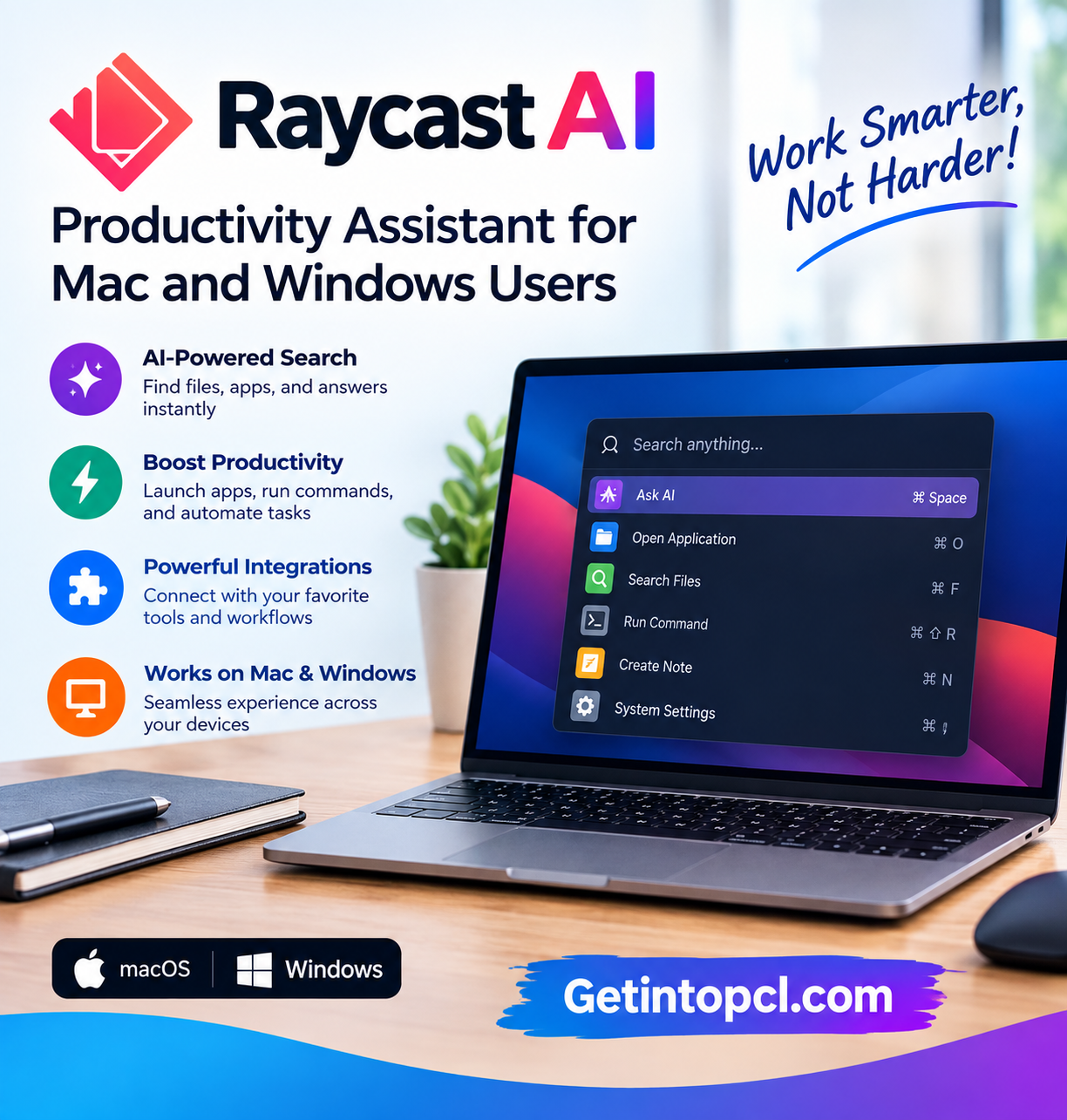
What Is Raycast AI?
Raycast AI is the artificial intelligence component of the Raycast productivity platform. It provides access to multiple large language models and AI-powered features through Raycast’s interface.
The service includes Quick AI, AI Chat, AI Commands, AI Extensions, Agents, Screen Awareness, Memory, Profile, and model management. Raycast says it supports models from providers including OpenAI, Anthropic, Google, Perplexity, Mistral, xAI, and others.
One of Raycast AI’s important characteristics is that it is not limited to one AI model. Depending on the subscription, users can choose among supported models and can also connect their own AI subscriptions or API keys.
Raycast also supports local models through its integration with Ollama, allowing users who want local AI processing to connect compatible local models.
The software is therefore a combination of:
- AI chatbot functionality
- Desktop productivity tools
- AI commands
- AI agents
- Automation
- Developer tools
- Extensions
- Model selection
- Local AI integrations
This makes Raycast AI particularly relevant to users who want an AI assistant integrated directly into their operating-system workflow.
Wispr Flow: AI Voice Typing for Faster Writing and Communication
Main Uses of Raycast AI
AI Chat and Everyday Questions
Raycast AI provides conversational AI through its Quick AI and AI Chat features. Users can ask questions, summarize information, rewrite text, brainstorm ideas, or work with other supported AI capabilities without opening a separate AI website.
The Quick AI feature is intended for smaller tasks that users encounter during their normal computer workflow.
Writing and Editing
Raycast AI can help with common writing tasks such as:
- Fixing grammar
- Rewriting sentences
- Changing tone
- Shortening text
- Expanding ideas
- Improving clarity
- Generating alternatives
- Summarizing information
Raycast provides built-in AI commands for tasks such as improving writing, changing tone, fixing spelling and grammar, and explaining text. Users can also create custom AI commands for repeated prompts.
AI Coding Assistance
Developers can use Raycast AI to interact with supported AI models while working on software projects. It can assist with code-related questions, explanations, debugging ideas, and programming prompts.
Raycast’s AI model selection includes models from OpenAI, Anthropic, Google, Mistral, DeepSeek, and other providers, with availability depending on the user’s plan.
Raycast should not be confused with a full integrated development environment. Instead, it provides an AI and productivity layer that developers can access alongside their existing development tools.
AI Agents
One of Raycast AI’s more advanced capabilities is its agent system.
Users can create custom agents with their own instructions and selected models. Raycast describes agents as workspaces that can be given project-specific instructions and memory.
This can be useful for recurring tasks such as:
- Writing assistance
- Code review
- Research
- Data analysis
- Meeting preparation
- Brainstorming
- Support workflows
Agents can also be combined with Raycast’s automation features for recurring tasks.
Automation
Raycast AI can be used to create automated workflows involving AI agents. The company gives examples such as checking emails and preparing recurring updates.
This moves Raycast beyond simple question-and-answer functionality and into AI-assisted workflow automation.
Screen-Aware AI
Raycast’s Screen Awareness feature can provide an AI agent with context from what is displayed on the user’s screen. This can allow the AI to work with information visible in the current workflow rather than requiring the user to manually copy and paste everything.
Users should nevertheless consider privacy implications before giving an AI assistant access to information displayed on their screen.
Working With Files
Raycast AI can work with files and provide context from them as part of its AI functionality. The company’s Pro description specifically includes file access as part of Raycast AI’s capabilities.
This can be useful for summarizing documents, extracting information, or asking questions about supported content.
Features
Raycast AI combines a number of AI and productivity features.
AI Chat
Users can interact with supported language models through Raycast’s AI interface rather than visiting individual AI provider websites.
Quick AI
Quick AI provides fast access to AI for smaller tasks, allowing users to invoke AI during everyday computer work.
AI Commands
AI Commands turn frequently used prompts into reusable shortcuts. Examples include grammar correction, text rewriting, summarization, and changing the tone of a message.
Custom Agents
Users can create agents with custom instructions and models for specific workflows. Agents can also have project-specific memory.
AI Extensions
Raycast supports AI-powered extensions that connect AI with other tools. Users can install community extensions or build their own extensions using Raycast’s developer tools.
Multiple AI Models
Raycast currently provides access to models from numerous providers. Its model catalog includes OpenAI, Anthropic, Google, Perplexity, Mistral, xAI, DeepSeek, and other providers. The models available to an individual user depend on their subscription.
Bring Your Own Key
Users can connect supported AI provider API keys or existing AI subscriptions. Raycast states that using supported connected subscriptions or API keys does not consume Raycast AI credits.
Screen Awareness
The AI can use information visible on the user’s screen as context for supported workflows.
Superwhisper AI: Voice-to-Text Tool for Writing and Productivity
Memory
Raycast AI includes memory capabilities that can provide additional context to supported AI interactions.
Local AI
Raycast supports local models through an integration with Ollama, providing an option for users who want to work with locally hosted AI models.
AI Automation
Agents can be used with scheduled workflows for recurring tasks.
Platform and Compatibility
Raycast has expanded beyond its original Mac-focused environment. The current platform supports macOS, Windows, and iOS.
| Platform | Availability |
|---|---|
| macOS | Yes |
| Windows | Yes |
| iOS | Yes |
| Linux | No official desktop version currently listed |
| Web | Raycast is primarily a desktop/mobile application rather than a conventional web AI chatbot |
Raycast’s Windows version currently supports Windows 10 version 21H2 or later and Windows 11. The company provides installation through WinGet as well as other official distribution methods.
On macOS, Raycast’s current AI page states that macOS Tahoe and Apple Silicon are required for the latest AI experience.
Some functionality can differ between Windows and macOS because Raycast’s extension ecosystem and operating-system integrations depend on platform capabilities.
System Requirements
Raycast’s requirements depend on the operating system and specific features being used.
Windows
Raycast currently lists:
- Windows 10, version 21H2 or later
- Windows 11
- Compatible Windows hardware capable of running the supported operating system
The official Windows page does not currently provide a universal minimum CPU, RAM, GPU, or storage specification for Raycast.
macOS
Raycast’s current AI product page states that its latest AI experience requires:
- macOS Tahoe
- Apple Silicon
Because this requirement applies to the current AI experience rather than necessarily every historical Raycast version, users should check the current official documentation before installing on older Macs.
Internet Connection
Many Raycast AI functions require an internet connection because they use cloud-based AI models.
Raycast also notes that many core non-AI Raycast functions can operate offline on Windows. Quick AI and AI Chat require internet access.
GPU and RAM
Raycast does not publish one universal minimum RAM or dedicated GPU requirement for Raycast AI. Local AI usage through Ollama can have additional hardware requirements depending on the selected model.
Technical Setup Details
Installing Raycast is generally straightforward, but AI functionality requires a compatible Raycast plan or supported external AI connection.
A typical setup involves:
- Download Raycast from the official website.
- Install the application for the appropriate operating system.
- Sign in or create a Raycast account where required.
- Configure keyboard shortcuts and permissions.
- Select an AI feature such as Quick AI or AI Chat.
- Choose an available AI model.
- Create custom AI commands or agents if required.
- Connect supported AI subscriptions or API keys if using the BYOK functionality.
- Configure extensions and automation workflows.
Raycast’s AI features use monthly AI credits on paid plans. The number of credits consumed depends on the model and the amount of work performed by the AI.
Users who want local AI can connect compatible models through Ollama. This is particularly relevant for people interested in running AI models locally instead of sending every AI request to a cloud provider.
Pricing and Licensing
Raycast has a free plan, but Raycast AI is not included in the standard Free plan. AI functionality is included in paid Pro, Pro+, and Max plans.
| Plan | Monthly price | Annual price | AI credits/month |
|---|---|---|---|
| Free | $0 | $0 | No AI credits |
| Pro | $10 | $96/year | 500 |
| Pro+ | $20 | $192/year | 3,000 |
| Max | $50 | $480/year | 7,500 |
The current pricing page lists the individual plans at these prices. Pro provides access to fast and powerful models, while Pro+ and Max add access to the broader model selection, including top-tier models.
Raycast also supports Bring Your Own Key, allowing users to connect supported AI provider subscriptions or API keys without consuming Raycast AI credits.
New users can receive a 7-day Pro trial, which includes 500 AI credits and access to the models available with Pro.
Advantages and Limitations
Advantages
- Combines AI with a broader desktop productivity launcher.
- Provides access to multiple AI providers and models.
- Includes reusable AI Commands.
- Supports custom AI agents.
- Provides screen-aware AI functionality.
- Supports AI extensions and automation.
- Offers local-model integration through Ollama.
- Supports Bring Your Own Key for supported services.
- Available on Mac, Windows, and iOS.
- The basic Raycast application is available free of charge.
Limitations
- Raycast AI is not included in the standard free plan.
- Paid plans use monthly AI credits.
- Advanced model access depends on the subscription tier.
- Many AI functions require an internet connection.
- The latest AI experience on Mac has specific Apple Silicon and macOS requirements.
- Local AI through Ollama depends on the capabilities and requirements of the selected model.
- Some extensions may behave differently between macOS and Windows.
Who Should Use Raycast AI?
Developers can use Raycast AI for coding questions, reusable prompts, automation, and AI-assisted workflows.
Writers and content creators can use AI Commands to rewrite, summarize, improve, and transform text.
Researchers can use supported AI models and agents for information-processing workflows.
Professionals can create custom commands and agents for repetitive workplace tasks.
Power users may find the combination of launcher commands, extensions, AI, automation, and keyboard shortcuts useful for building customized workflows.
AI enthusiasts can also use Raycast’s model selection and Ollama integration to work with different cloud and local AI models.
Raycast AI Alternatives
Raycast AI operates in a category that overlaps with AI assistants, application launchers, automation platforms, and developer tools.
Microsoft Copilot provides a general AI assistant integrated into Microsoft’s ecosystem.
ChatGPT provides conversational AI, file analysis, coding assistance, research features, and other AI capabilities depending on the plan.
Claude provides conversational AI, writing, reasoning, document analysis, and coding-related functionality.
Perplexity focuses heavily on AI-powered search and research with cited web answers.
Ollama is different because its primary purpose is running supported AI models locally rather than providing a complete desktop productivity launcher.
Raycast AI’s particular approach is to combine multiple AI models with a keyboard-driven productivity environment, extensions, commands, agents, and automation.
Download, Installation, or Access
Raycast should be downloaded from the company’s official website or its official distribution channels.
Official Raycast website: Raycast
For Windows, Raycast currently provides an official Windows application supporting Windows 10 version 21H2 and later and Windows 11. It can also be installed through WinGet.
The standard Raycast application is free, but users need a paid AI-enabled plan to access Raycast AI directly.
Users should avoid modified or unauthorized copies and obtain Raycast through official sources.
Frequently Asked Questions
Is Raycast AI free?
Raycast itself has a free plan, but Raycast AI is not included in that plan. AI features are included in paid Pro, Pro+, and Max plans. New users can receive a limited Pro trial.
Does Raycast AI work on Windows?
Yes. Raycast is available for Windows 10 version 21H2 and later and Windows 11. The Windows version includes Raycast AI functionality, although some features differ from the Mac experience.
Does Raycast AI work on Mac?
Yes. Raycast has traditionally been closely integrated with macOS, and its current AI experience requires macOS Tahoe and Apple Silicon according to Raycast’s current AI page.
Can Raycast AI use ChatGPT or Claude?
Raycast supports models from multiple providers, including OpenAI and Anthropic. It also supports connecting supported existing AI subscriptions and API keys.
Can Raycast AI run local AI models?
Yes. Raycast provides an integration with Ollama for using local AI models. The exact hardware requirements depend on the model being run through Ollama.
Does Raycast AI work offline?
The core Raycast application can perform many non-AI tasks offline. However, cloud-based AI features such as Quick AI and AI Chat require an internet connection. Local AI through Ollama can provide a different workflow depending on the model and setup.
What are Raycast AI credits?
AI credits measure usage of Raycast’s included AI models. Different models consume credits at different rates, and each paid plan includes a monthly credit allowance.
Can developers use Raycast AI for coding?
Yes. Developers can use supported AI models for coding-related questions and workflows, create custom AI commands and agents, and connect Raycast with extensions and development tools.
Conclusion
Raycast AI is an AI-powered desktop productivity assistant that combines conversational AI with the broader Raycast launcher and workflow ecosystem. Instead of operating solely as a chatbot, it places AI commands, agents, model selection, screen awareness, extensions, automation, and other productivity functions within a keyboard-driven environment.
Its support for multiple AI providers makes it possible to work with different models through a single interface, while Bring Your Own Key and Ollama integration provide additional options for users who want to connect their existing AI services or local models.
The standard Raycast application is free, but Raycast AI requires a paid plan or an appropriate external AI connection. Current individual AI-enabled plans range from Pro to Max, with different monthly AI-credit allowances and model access.
For users searching for an AI productivity assistant for Mac or Windows, AI desktop launcher, AI agent platform, AI automation tool, or multi-model AI workspace, Raycast AI provides a combination of capabilities that extends beyond conventional AI chat applications.