
Introduction
Git Free Download for Windows 11 provides developers with one of the most popular distributed version control systems available today. Git is free, open-source software designed to track changes in files, manage source code, create branches, merge development work, and maintain complete project history. It is useful for individual programmers as well as teams working on small applications or very large software projects.
Git was started by Linus Torvalds, the creator of Linux, in 2005. The project was created after the Linux kernel development community lost free access to BitKeeper, the proprietary version-control system it had been using. Git was designed around several important goals, including speed, a simple design, distributed operation, strong branching support, and the ability to handle very large projects efficiently. Git is currently maintained by Junio C Hamano, together with contributors from the global open-source community.
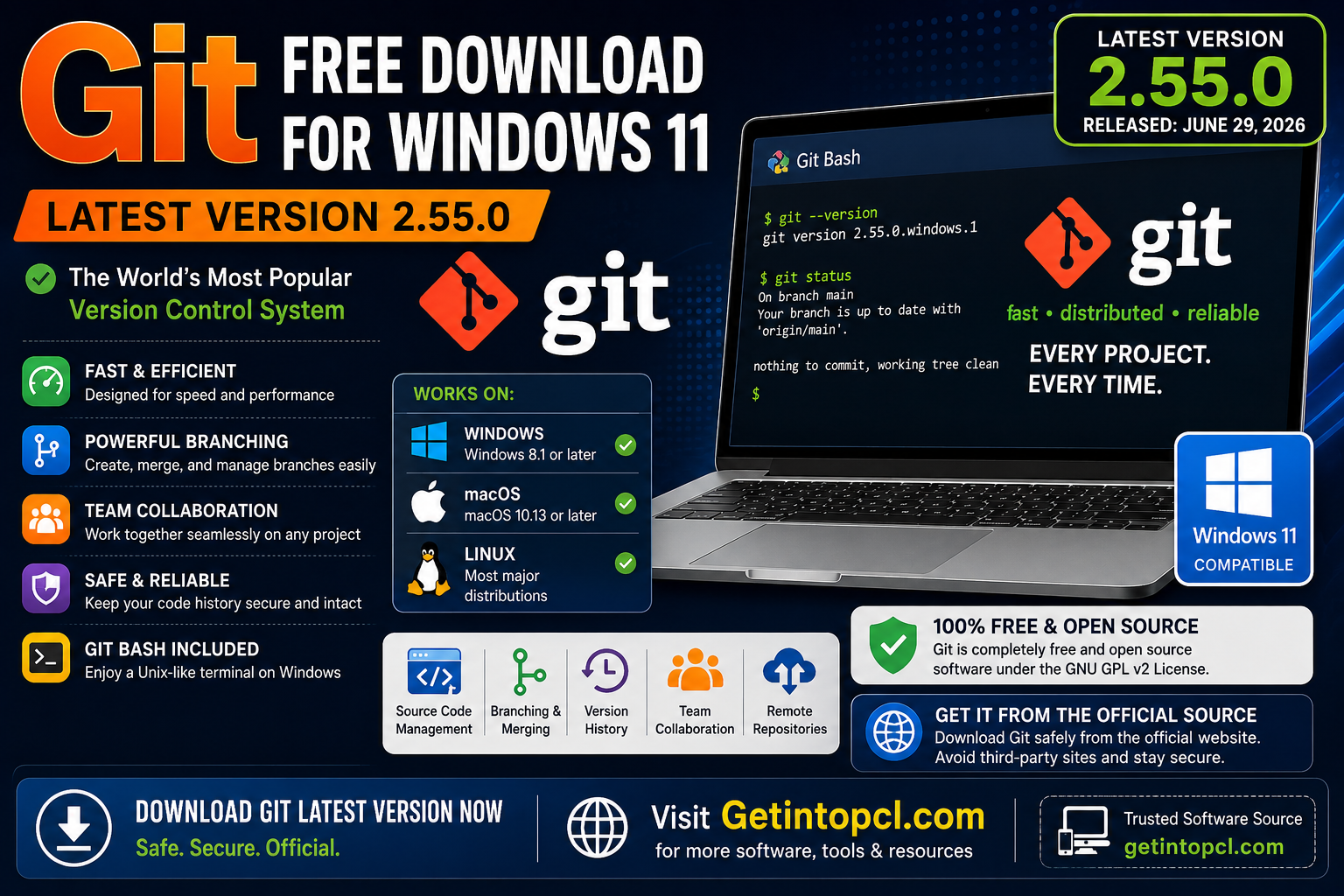
The Git latest version is currently Git 2.55.0, released on June 29, 2026. Git for Windows also provides a maintained Windows build based on this release, with the latest Windows x64 build listed as Git for Windows 2.55.0(3), released July 14, 2026.
Git can be used by professional developers, students, web designers, software teams, open-source contributors, DevOps professionals, and anyone who needs reliable version control.
What Is Git Used For?
Git is a software development tool, primarily a distributed version control system (DVCS). Instead of simply keeping one copy of a project, Git records changes over time and allows users to move between different versions of their work.
Common uses include:
- Source code management: Track changes to programming projects.
- Version control: Keep a history of modifications and restore earlier versions when necessary.
- Branching: Create separate development branches without changing the main project.
- Collaboration: Allow multiple developers to work on the same project.
- Code review: Prepare changes for review before integrating them into the main branch.
- Backup and recovery: Maintain complete local repository history.
- Open-source development: Contribute to projects hosted on platforms such as GitHub and GitLab.
- Deployment workflows: Integrate Git into development and DevOps processes.
- Website development: Manage HTML, CSS, JavaScript, PHP, Python, and other project files.
Because Git is distributed, developers can perform many operations locally without constantly connecting to a remote server.
Key Features of Git
Distributed Version Control
Every Git repository contains its own history, making Git different from centralized version-control systems. Developers can commit, inspect history, create branches, and compare changes locally.
Fast Performance
Git was designed with speed as one of its major goals. The official project describes Git as suitable for everything from small projects to very large repositories.
Branching and Merging
Git’s branching system is one of its most important features. Developers can create separate branches for new features, experiments, fixes, or releases and later merge the work when it is ready.
Commit History
Git records changes as commits. Each commit provides a snapshot of changes and helps developers understand how a project developed over time.
Git Bash on Windows
The Git Bash download for Windows is included with Git for Windows. Git Bash provides a Bash-style command-line environment together with Git, allowing Windows users to use many familiar Unix-style commands and Git workflows.
Git GUI Tools
Although Git itself is primarily a command-line tool, there are numerous graphical interfaces and development environments that integrate with Git. The official Git website notes that the ecosystem includes many GUI clients and editor integrations.
Remote Repository Support
Git can connect to remote repositories using common network protocols such as HTTPS and SSH. This makes it possible to synchronize local projects with remote hosting services.
Git LFS
Git for Windows includes Git Large File Storage (Git LFS), which is designed to handle large files more efficiently than storing every large binary directly in ordinary Git history.
Git 2.55.0 for Windows 11
For users searching for a Git 2.55.0 download, the current Windows release is available through the official Git for Windows installation page. The latest maintained x64 build is Git for Windows 2.55.0(3), released July 14, 2026. Official downloads also provide ARM64 installers and portable versions.
Git for Windows is more than a basic git.exe executable. The Windows distribution packages Git together with components that make Git practical on Windows, including Git Bash and supporting tools.
The official project currently provides:
- Git for Windows x64 Setup
- Git for Windows ARM64 Setup
- Git for Windows x64 Portable
- Git for Windows ARM64 Portable
- Installation through Microsoft’s
wingetpackage manager
Users with a normal modern Windows 11 PC will generally want the x64 installer, while compatible Windows-on-ARM devices should use the ARM64 version.
Git System Requirements
Git does not publish conventional minimum RAM, storage, or graphics specifications for everyday installation. The official Git for Windows requirements page focuses primarily on supported Windows versions and CPU architecture. Therefore, exact RAM and storage numbers should not be presented as official minimum requirements when Git does not specify them.
Minimum / Official Requirements
- Operating System: Windows 8.1 or later for Git for Windows on x64/AMD64 systems.
- Processor: 64-bit x64/AMD64 CPU for the standard current Git for Windows build.
- Windows ARM: Windows 11 is required for the ARM64 architecture.
- RAM: No fixed official minimum published by Git for Windows.
- Storage: No fixed official minimum published by Git for Windows; additional space is required for repositories and project files.
- Graphics: No dedicated graphics processor is required for Git itself.
- Internet: Not required for basic local Git operations after installation, but an internet connection is normally needed to clone, fetch, pull, or push to remote repositories.
- Additional software: The Git for Windows package includes its required Windows-side components.
Recommended Requirements
Git does not publish a separate official “recommended hardware” specification. For ordinary development, a modern 64-bit Windows 11 computer with sufficient free storage and RAM for your projects should be adequate.
Large repositories, huge binary files, development environments, virtual machines, or other applications running alongside Git can require substantially more system resources.
Windows Compatibility
Git for Windows currently supports recent commercially released 64-bit Windows versions starting with Windows 8.1. Windows 11 is fully supported.
There are some important limitations for older systems. Git for Windows 2.46.2 was the last version supporting Windows 7 and Windows 8. Git for Windows 2.40.1 was the last version with full support for 32-bit Windows. The current project has moved away from normal 32-bit installers; Git for Windows 2.48.1 was the last version to ship a regular 32-bit installer and portable package.
For modern Windows 11 users, the x64 edition is the normal choice. Windows 11 ARM64 users can select the dedicated ARM64 package.
Git Compatibility with macOS
Git also works on macOS. The official Git website currently lists several installation approaches, including Homebrew, MacPorts, and Apple’s Xcode Command Line Tools.
Apple’s Xcode Command Line Tools include a Git binary, which can be installed with:
xcode-select --install
Users who want a current Git release should be aware that Git’s official macOS page notes that non-source distributions are provided by third parties and may not always match the latest upstream source release.
Git Compatibility with Linux
Git has excellent Linux support and is available through the package managers of major Linux distributions. Debian and Ubuntu users can install Git through apt, while Fedora, Arch Linux, openSUSE, Alpine, Gentoo, and several other distributions provide their own installation methods.
One limitation is that Linux distribution repositories may provide an older Git version than the latest upstream release. Users who specifically need the newest release can use an appropriate official or distribution-supported method, or build Git from source.
Is Git Free or Paid?
Git is completely free and open source. It is not freemium, subscription-based, or a one-time-purchase application.
Git is released under the GNU General Public License version 2 (GPLv2). The official Git project explains that this license protects users’ freedom to use, share, and modify the software.
It is important to distinguish Git from Git hosting platforms. Services that host Git repositories may offer free and paid plans, but those services are separate from the Git software itself.
| Option | Price | Main Features |
|---|---|---|
| Git | Free | Complete open-source version-control system |
| Git for Windows | Free | Git, Git Bash, Windows integration and supporting tools |
| Git for Windows Portable | Free | Portable Git environment for compatible systems |
| Git hosting services | Varies | Remote repositories, collaboration and additional online services |
| Commercial Git GUI tools | Varies | Graphical interfaces and additional productivity features |
There is therefore no official Git Premium or Git Pro edition that users need to purchase.
Where to Safely Download Git
The safest option is the official Git website and its Git for Windows project. The official Windows installation page provides the current maintained Windows builds and installation instructions.
Official Git website:
Git Official Website
Official Git for Windows download:
Git for Windows – Official Download
Windows users can also install Git through winget, using the official package identifier shown on the Git installation page.
Avoid modified installers, cracked software, unauthorized repackaged copies, or suspicious download sites. Since Git is already free, there is no legitimate reason to use a pirated version.
Advantages of Git
- Completely free and open source.
- Excellent version-control capabilities.
- Fast performance.
- Powerful branching and merging.
- Works offline for many operations.
- Supports very large projects.
- Available on Windows, macOS, and Linux.
- Excellent ecosystem of hosting services and development tools.
- Git Bash makes Git convenient for Windows users.
- Suitable for individual developers and large teams.
Limitations of Git
- Git has a learning curve for beginners.
- Command-line workflows can initially feel complicated.
- Merge conflicts can require manual resolution.
- Large repositories can consume significant storage.
- Git itself does not provide online repository hosting.
- Some advanced workflows require knowledge of branches, remotes, rebasing, and other Git concepts.
- Very old Windows versions are no longer supported by current Git for Windows releases.
- The regular 32-bit Git for Windows installer is no longer part of current releases.
Who Is Git Best Suited For?
Git is best suited to software developers, programmers, web developers, DevOps engineers, students, software teams, and open-source contributors.
Beginners can use Git for learning version control, while professional teams can use it to manage complex development workflows. It is particularly useful when several people need to work on the same project without accidentally overwriting each other’s changes.
If you use GitHub, GitLab, Bitbucket, or another Git-compatible hosting service, installing Git locally gives you access to the command-line tools needed to clone repositories, create commits, manage branches, pull changes, and push your own work.
Frequently Asked Questions
1. Is Git free to download?
Yes. Git is free and open-source software released under GPLv2. There is no purchase or subscription required to use the Git software.
2. Is Git safe for Windows 11?
Yes, when downloaded from the official Git for Windows project. The safest approach is to use the official Git website rather than an unknown third-party installer.
3. Does Git work on Windows 11?
Yes. Git for Windows supports Windows 8.1 and later on supported 64-bit systems, so Windows 11 is fully supported. ARM64 users should use Windows 11 with the ARM64 Git build.
4. Does Git work on Mac?
Yes. Git is available on macOS through Homebrew, MacPorts, Xcode Command Line Tools, and other supported installation methods.
5. Does Git work on Linux?
Yes. Git is available through package managers on major Linux distributions, including Ubuntu, Debian, Fedora, Arch, openSUSE, Alpine, and others.
6. How much RAM does Git require?
Git does not specify a fixed minimum RAM requirement for normal use. The amount of memory required depends heavily on repository size and what other applications are running.
7. Is there a premium version of Git?
No. There is no official premium version of Git. Git itself is free and open source. Paid Git hosting services and commercial Git GUI applications are separate products.
8. Where can I download Git?
The recommended source is the official Git website and the Git for Windows download page. Current Windows builds include x64 and ARM64 installers, as well as portable editions.
Conclusion
Git remains an essential tool for modern software development, providing fast, flexible, and reliable version control without requiring a paid license. Git 2.55.0 is the current upstream release, while the latest maintained Git for Windows build gives Windows 11 users an easy way to install Git and Git Bash on modern x64 or ARM64 systems.
For safe software downloads, users should always prioritize official sources and legitimate software providers. If you are looking for additional software, tools, and useful PC applications, you can also explore GetIntoPCL.com for the software resources you need while checking licensing and download authenticity before installation.