
Introduction
Visual Studio Code Free Download for Windows 11 gives developers access to one of the most popular lightweight source-code editors available today. Visual Studio Code, commonly called VS Code, is developed by Microsoft and is designed for writing, editing, debugging, and managing software projects.
Unlike the full Visual Studio IDE, VS Code focuses on providing a fast and flexible development environment that can be expanded with extensions. It supports programming languages and technologies ranging from Python, JavaScript, TypeScript, C++, Java, PHP, HTML, and CSS to many other development tools.
Microsoft describes VS Code as a free, open-source code editor available for Windows, macOS, and Linux. It can be used for personal projects, education, web development, application development, scripting, and commercial software development.
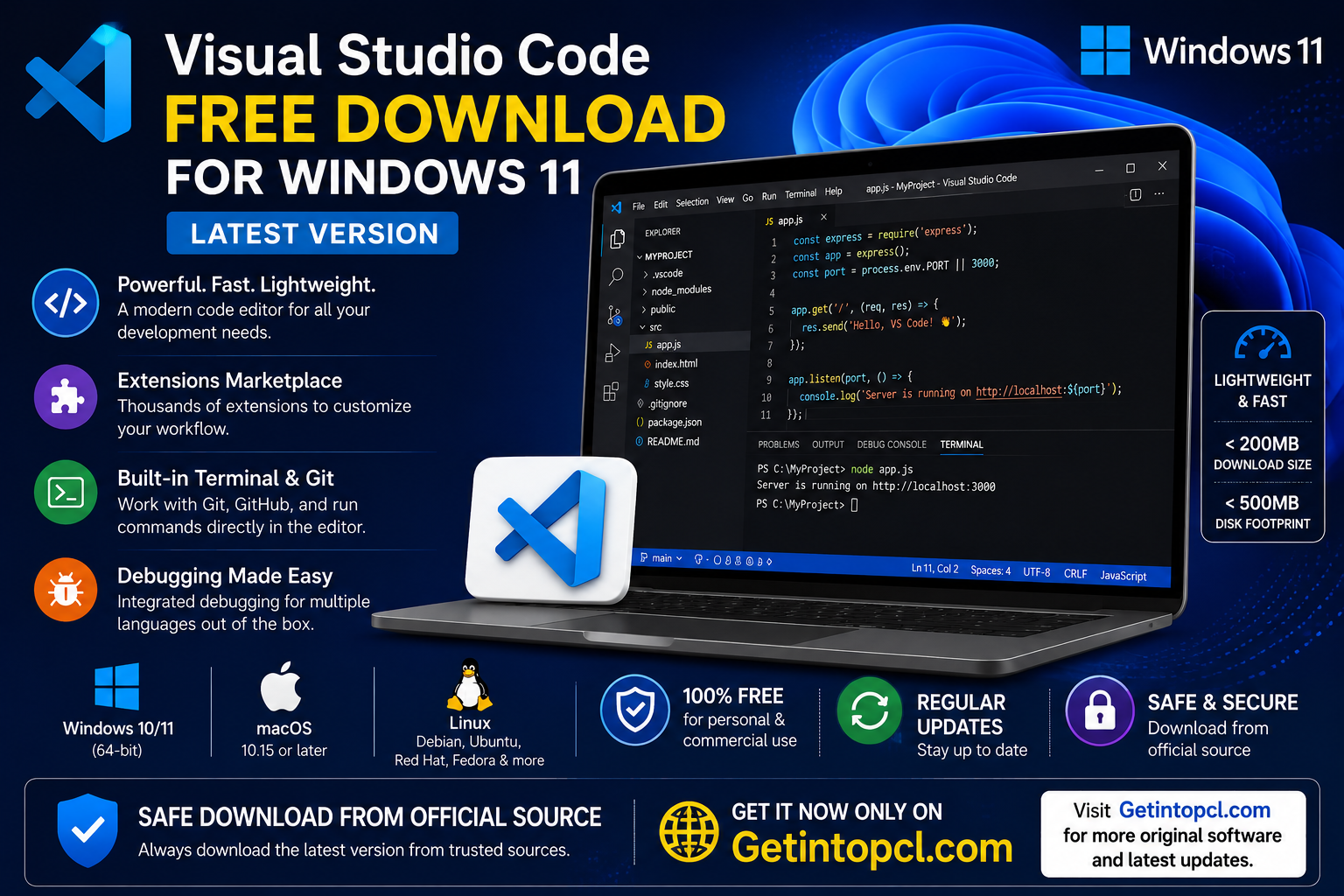
The current Stable release line is updated frequently. Microsoft now ships weekly Stable releases, while the Insiders edition provides preview builds with newer features before they reach Stable.
What Is Visual Studio Code Used For?
Visual Studio Code is primarily a source-code editor, but its capabilities go far beyond simply editing text. Developers can customize it with extensions and integrate external development tools to create a complete programming workflow.
Common uses include:
- Writing and editing source code
- Web development with HTML, CSS, JavaScript, and TypeScript
- Python programming
- C and C++ development
- Java application development
- PHP development
- Working with Git and GitHub repositories
- Debugging applications
- Running commands through the integrated terminal
- Managing projects and folders
- Working with remote development environments
- Editing configuration and data files
- Using AI-assisted development features
- Working with containers, WSL, SSH, and remote environments
VS Code does not try to include every programming tool by default. Instead, developers can install extensions and additional runtimes according to the project they are working on.
Key Features of Visual Studio Code
Lightweight Code Editor
One of the biggest advantages of VS Code is its relatively small footprint. Microsoft says the download is under 200 MB and the installed disk footprint is under 500 MB.
This makes it suitable for many modern Windows PCs without requiring the large installation associated with some full development environments.
IntelliSense
IntelliSense provides intelligent code completion, suggestions, parameter information, and other editing assistance. It can make programming faster by reducing repetitive typing and helping developers discover available functions and properties.
Extensions
The VS Code extension ecosystem is one of its strongest features. Extensions can add programming-language support, debuggers, formatters, themes, testing tools, database functionality, source-control integrations, and much more.
This modular approach allows users to install only the tools they need.
Integrated Terminal
VS Code includes an integrated terminal so developers can run commands without constantly switching between the editor and a separate command-line application.
On Windows, developers can work with tools such as PowerShell, Command Prompt, Git, Node.js, and WSL.
Git and Source Control
VS Code includes built-in source-control functionality and integrates with Git. Developers can review changes, work with branches, inspect differences, and manage repositories directly from the editor.
For larger projects, GitHub-related extensions can provide additional functionality.
Debugging
VS Code supports debugging through its development tools and extensions. Depending on the language and project, developers can set breakpoints, inspect variables, step through code, and identify problems during execution.
Remote Development
VS Code can be used with remote development technologies, including containers, WSL, and SSH. Microsoft also provides VS Code for the Web, allowing users to edit code directly through a browser.
AI-Assisted Development
Modern versions of VS Code include integrated AI-oriented development capabilities. Microsoft also supports GitHub Copilot integration, although AI services and their usage limits are separate from the basic free VS Code editor.
Users do not need to sign in to use VS Code as a traditional code editor.
Visual Studio Code Latest Version
Visual Studio Code follows a rapid release cycle, so the exact Stable version can change frequently. Microsoft’s official release archive shows releases throughout 2026, including versions 1.126, 1.127, 1.128, 1.130 and 1.131.
Because new Stable releases are published regularly, it is better to use Microsoft’s official download page rather than relying on a static version number in an old article.
The official download page currently identifies Windows 10 or Windows 11 64-bit as supported Windows platforms.
Visual Studio Code System Requirements
Microsoft’s official requirements page lists VS Code as a lightweight application. Importantly, Microsoft does not publish separate minimum and recommended hardware specifications for every category such as graphics memory or storage. Therefore, those specifications should not be invented.
Officially stated requirements
- Operating System: Supported 64-bit Windows client versions; Windows 10 and Windows 11 are listed on the current download page.
- Processor: Microsoft recommends a 1.6 GHz or faster processor.
- RAM: Microsoft recommends 1 GB of RAM.
- Storage: VS Code is a small download of less than 200 MB with a disk footprint of less than 500 MB.
- Graphics: Microsoft does not publish a separate minimum or recommended GPU specification on its requirements page.
- Internet: An internet connection is useful or required for downloading VS Code, extensions, updates, repositories, and online services, but Microsoft does not list a specific minimum internet speed.
- Other requirements: Additional programming tools such as Git, Node.js, Python, Java, compilers, SDKs, or language runtimes may be required depending on the development project. Microsoft specifically notes that users may need to install components such as Git, Node.js, TypeScript, language runtimes, and command-line tools.
These requirements make VS Code considerably less demanding than many complete IDEs. However, extensions, large projects, language servers, AI features, containers, and development tools can increase memory and CPU usage.
Windows 11 Compatibility
VS Code works well on modern Windows systems. Microsoft’s current download page lists Windows 10 and Windows 11, both 64-bit, for the current desktop release.
For most Windows 11 users, the recommended choice is the User Installer. Microsoft says the User setup does not require administrator permissions and provides the smoothest update experience. A System Installer is also available when VS Code needs to be installed for all users on a computer.
A ZIP version is available as well. This can be useful when a traditional installation is inconvenient, but ZIP installations need to be updated manually.
Older Windows versions have important limitations. VS Code 1.71 was the last major release line supporting Windows 7, while Windows 8 and 8.1 support ended with later releases. Microsoft also ended active support for 32-bit Windows builds after VS Code 1.83.
Visual Studio Code for macOS
Visual Studio Code is also available for Mac computers. Microsoft’s current download page lists macOS 10.15 or later, with downloads available for Intel and Apple silicon Macs.
Microsoft’s requirements documentation states that supported macOS versions generally correspond to the latest release and the two previous versions that continue to receive Apple’s security updates.
Older Macs should therefore check the current requirements before installing the newest release.
Visual Studio Code for Linux
VS Code also supports Linux. Official packages are provided for Debian/Ubuntu-based systems, Red Hat/Fedora systems, and Snap. Community-maintained packages are available for distributions such as Arch Linux and Nix.
Microsoft currently lists examples including:
- Ubuntu Desktop 20.04
- Debian 10
- Red Hat Enterprise Linux 8
- Fedora 36
Linux installations also require glibc 2.28 or later and GLIBCXX 3.4.25 or later.
Starting with VS Code 1.86.1, desktop versions require Linux distributions based on glibc 2.28 or newer. Users of very old Linux distributions may need to upgrade their operating system or use an older supported VS Code release.
Is Visual Studio Code Free or Paid?
Visual Studio Code itself is free software for private and commercial use. Microsoft confirms this in its FAQ.
There is no separate “Pro” or “Premium” edition of the basic VS Code editor that you need to purchase to unlock normal coding functionality.
However, users may encounter paid services connected with VS Code, particularly AI services such as GitHub Copilot. These are separate services and should not be confused with the core VS Code editor.
VS Code Version Comparison
| Version/Service | Price | Main Purpose | Best For |
|---|---|---|---|
| Visual Studio Code Stable | Free | Main code editor | Most users and developers |
| Visual Studio Code Insiders | Free | Preview of upcoming features | Early adopters and testers |
| VS Code for the Web | Free to access | Browser-based coding/editing | Quick edits and remote work |
| GitHub Copilot Free | Free plan available | AI-assisted coding | Users wanting limited AI assistance |
| Paid Copilot plans | Subscription | Higher/expanded AI capabilities | Developers needing additional AI usage |
The Stable version is the best choice for users who want reliability. Insiders is updated much more frequently and can occasionally contain unfinished or unstable features. Microsoft’s Insiders edition is designed to run alongside Stable.
How to Safely Download Visual Studio Code
The safest way to perform a Visual Studio Code download is to use Microsoft’s official VS Code website. The official download page provides Windows installers, macOS builds, and Linux packages.
For Windows 11, users normally have these choices:
- User Installer – Recommended for most individual users.
- System Installer – Useful when installing for all users.
- ZIP Archive – Useful for portable-style installations or situations where an installer is not preferred.
Microsoft recommends the User setup for most Windows users because it does not require administrator permissions and supports a smoother update process.
Avoid cracked copies, modified installers, unofficial repacks, and unauthorized download websites. These sources can expose a computer to malware or modified software and may not provide the genuine Microsoft release.
Advantages of Visual Studio Code
- Free for private and commercial use
- Lightweight compared with many full IDEs
- Supports Windows, macOS, and Linux
- Large extension ecosystem
- Built-in Git and source-control support
- Integrated terminal
- Strong debugging capabilities
- IntelliSense and intelligent editing
- Supports remote development
- Regular Stable updates
- Customizable interface and workflow
- Optional AI-assisted development features
Limitations of Visual Studio Code
- It is primarily a code editor rather than a traditional full IDE.
- Many advanced programming workflows require extensions or additional tools.
- Installing too many extensions can increase resource usage.
- Language runtimes and compilers are generally installed separately.
- Very old operating systems may not support current releases.
- Some AI functionality is provided through separate services and may have usage limits or subscription requirements.
- Insiders builds can occasionally contain issues because they are designed for preview testing.
Who Should Use Visual Studio Code?
VS Code is suitable for a broad range of users. Beginners can use it to learn HTML, CSS, JavaScript, Python, or other programming languages, while professional developers can configure it for complex software projects.
It is particularly well suited to:
- Students learning programming
- Web developers
- Python developers
- Front-end developers
- Back-end developers
- Full-stack developers
- DevOps professionals
- Software engineers
- Data and scripting users
- Developers working with Git and GitHub
Users who want a lightweight, customizable development environment will generally find VS Code more flexible than a traditional all-in-one IDE.
FAQs About Visual Studio Code
1. Is Visual Studio Code free?
Yes. Microsoft states that VS Code is free for private and commercial use.
2. Is Visual Studio Code safe for Windows 11?
Yes, when downloaded from Microsoft’s official VS Code website. Avoid modified or unauthorized installers.
3. Can I install VS Code on Windows 11?
Yes. The current official download page supports Windows 10 and Windows 11 64-bit systems.
4. Does Visual Studio Code work on Mac?
Yes. VS Code supports macOS and provides builds for Intel and Apple silicon Macs.
5. Does VS Code support Linux?
Yes. Microsoft provides official Debian, RPM, and Snap packages, while some other Linux distributions have community-maintained packages.
6. How much RAM does Visual Studio Code require?
Microsoft recommends 1 GB of RAM. Actual memory usage can be considerably higher depending on extensions, projects, language servers, containers, and other development workloads.
7. How much storage does VS Code need?
Microsoft says the download is under 200 MB and the disk footprint is under 500 MB. Additional extensions, projects, SDKs, and development tools require additional storage.
8. Where can I download Visual Studio Code?
The safest option is Microsoft’s official Visual Studio Code download page. It provides the latest Stable version and appropriate installers for Windows, macOS, and Linux.
Conclusion
Visual Studio Code remains an excellent choice for anyone looking for a fast, flexible, and free development environment. Its combination of IntelliSense, debugging, Git integration, extensions, terminal tools, remote development, and optional AI capabilities makes it useful for both beginners and experienced developers.
For Windows 11 users, the current 64-bit release is the appropriate choice, while Mac and Linux users can select the installer or package designed for their platform. Because VS Code receives frequent updates, downloading from the official source is the best way to obtain a genuine and secure release.
If you are looking for software and development tools, always choose legitimate versions and verify the download source before installing. For the safest and most up-to-date Visual Studio Code download, use the official Microsoft download page rather than pirated or modified copies.
Download Now: Download Now – Official Visual Studio Code