
Notepad++ Free Download for Windows 11 gives users access to one of the most popular lightweight text and source-code editors available for Microsoft Windows as Notepad ++ free download for windows 64 bit/32 bit. Notepad++ is a free and open-source application developed by Don Ho. It was designed as a more capable replacement for the basic Windows Notepad, while also providing features useful for programmers, web developers, students, writers, and advanced computer users.
Introduction
As of August 21, 2026, the official project changelog identifies Notepad++ 8.9.7, released on July 13, 2026, as the latest version. This release includes several security fixes, performance improvements, bug fixes, and updates to the Scintilla and Lexilla editing components.
Notepad++ is distributed under the GNU General Public License and does not require a subscription or paid activation. The official project describes it as free software and a Notepad replacement that supports programming and natural languages.
What Is Notepad++?
Notepad++ is a lightweight source-code editor and advanced text editor for Windows. Unlike the basic Notepad application included with Windows, it provides syntax highlighting, code folding, powerful searching, multiple tabs, plugins, macros, encoding controls, and many customization options.
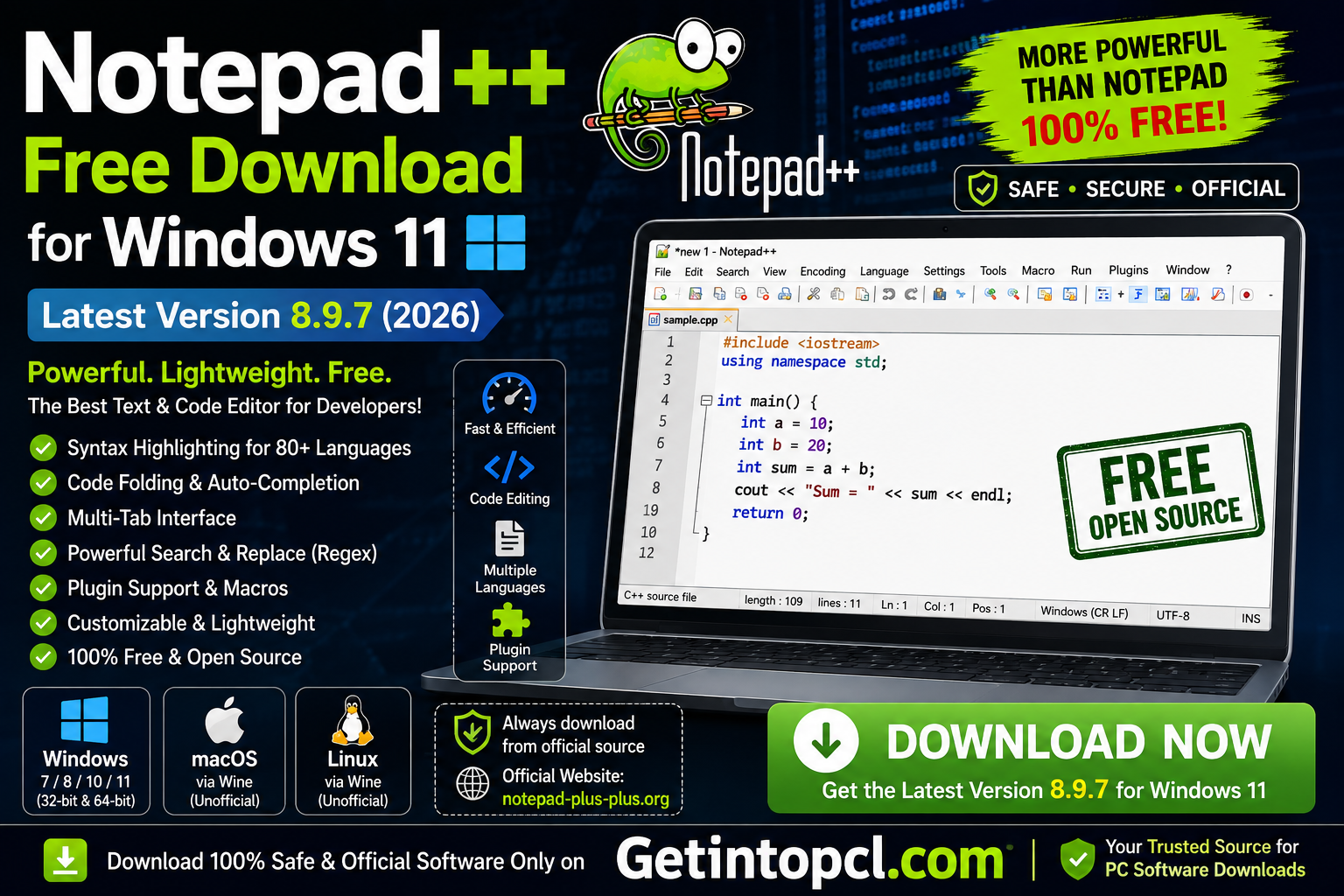
The application was created by Don Ho and is maintained as an open-source project. Its source code is publicly available, and its use is governed by the GPL license.
The program is particularly useful for editing HTML, CSS, JavaScript, PHP, Python, XML, JSON, SQL, C, C++, Java, and many other types of text and source files. The project also maintains a User Defined Languages collection for additional syntax-highlighting configurations.
For ordinary users, Notepad++ can be used for notes, configuration files, logs, and plain-text documents. For developers, it provides a convenient environment for editing and searching through source code without the resource requirements of a large integrated development environment.
Major Uses of Notepad++
Notepad++ can handle many everyday and professional text-editing tasks.
1. Programming and coding:
Developers can edit source code with syntax highlighting and code-folding support. This makes long files easier to read and navigate.
2. Web development:
HTML, CSS, JavaScript, XML, and other web-related files can be edited directly. The editor is useful for making quick changes to website files.
3. Configuration files:
Notepad++ is commonly useful for editing .ini, .conf, .xml, .json, .log, and other configuration or text-based files.
4. Large-scale text editing:
Its search and replacement tools can work with regular expressions, making it useful when users need to find or modify repeated patterns.
5. Notes and plain text:
Although it is known as a code editor, it can also serve as a fast alternative to Windows Notepad for ordinary text.
6. File comparison and data cleanup:
With appropriate plugins and built-in search tools, users can inspect, manipulate, and organize large amounts of text.
Key Features of Notepad++
The popularity of the Notepad++ text editor comes from its combination of speed, flexibility, and a large feature set.
Syntax Highlighting
Notepad++ recognizes many programming and markup languages and highlights keywords, strings, comments, functions, and other elements. This makes source code easier to understand.
Tabbed Editing
Multiple documents can be opened in separate tabs. Users can switch between files without opening several separate editor windows.
Search and Replace
The search system includes normal search, extended search, and regular-expression capabilities. This is particularly valuable for programmers and users working with large text files.
Code Folding
Supported programming languages can be folded so that sections of code are temporarily hidden. This makes large files easier to navigate.
Plugin Support
Notepad++ supports plugins that can extend its functionality. The official project maintains an extensive plugin ecosystem, allowing users to add tools for specialized workflows.
Macros
Users can record and replay repetitive editing actions. This can save time when performing the same sequence of operations repeatedly.
Multiple Encodings
The editor supports various text encodings, making it useful when working with files created on different systems or using different character sets.
Dark Mode and Customization
Modern releases include improvements to dark mode and interface customization. Version 8.9.7 also includes improvements related to high-DPI toolbar icons and dark message boxes.
Portable Version
Notepad++ is also offered as a portable package. A portable installation can be extracted to a suitable folder and run without the traditional installation process. Official releases provide installer and portable packages for supported architectures.
Notepad++ Latest Version 8.9.7
The latest Notepad++ version identified by the official project changelog is 8.9.7, dated July 13, 2026. Security was a major focus of this release.
Version 8.9.7 fixes several vulnerabilities, including issues involving environment-string expansion, session-file path handling, updater path traversal, macro HMAC validation, and installer PowerShell handling. It also fixes a number of functional problems and updates Scintilla to 5.6.4 and Lexilla to 5.5.1.
For this reason, users should generally prefer the newest stable release rather than relying on an old Notepad++ installer found on an unrelated download website.
Notepad++ Compatibility: Windows, macOS, and Linux
Windows 11
Notepad++ is designed primarily for Microsoft Windows. Windows 11 users can use the current release, with official releases providing x64, ARM64, and 32-bit/Win32 variants where applicable. The official repository states that Windows systems still supported by Microsoft are supported by Notepad++.
For most modern Windows 11 computers, the 64-bit version is the appropriate choice.
Windows 10 and Older Windows Versions
Notepad++ supports Windows systems that remain supported by Microsoft, while older releases have historically supported older Windows versions. Windows XP support was discontinued starting with Notepad++ 7.9.3; version 7.9.2 was the last release supporting XP.
Therefore, users running obsolete Windows versions should not assume that the newest Notepad++ release will work on their machine.
macOS
There is no native official macOS version of Notepad++. The project describes Notepad++ as a Windows application and says there are no plans to port it to other operating systems. Users may attempt to run it through compatibility software such as Wine, but this is not an officially supported native macOS installation.
Linux
Notepad++ also does not provide a native official Linux edition. Linux users can sometimes run the Windows application through Wine or another compatibility layer. However, the project does not officially support these configurations, and compatibility or performance can vary.
Notepad++ System Requirements
Notepad++ does not publish a conventional minimum/recommended specification table for CPU, RAM, graphics, and storage in the way many commercial applications do. The official documentation instead focuses on supported Windows systems and available builds.
Therefore, the following distinction is important:
Officially Established Requirements
- Operating system: Supported Microsoft Windows system; Windows 11 is supported.
- Processor: The official project does not specify a universal minimum CPU model or clock speed.
- RAM: No official minimum or recommended RAM amount is published by the project.
- Storage: No official fixed minimum disk-space requirement is published.
- Graphics: No dedicated GPU requirement is specified.
- Internet connection: Not required for basic offline editing after installation.
- Architecture: Official releases include Windows builds for supported x86, x64, and ARM64 environments.
- Plugins: Individual plugins may have additional requirements.
Practical Recommendation
Because Notepad++ is designed as a lightweight editor, a modern Windows 11 computer that comfortably runs Windows 11 should generally have more than enough resources for ordinary Notepad++ work. However, it would be inaccurate to present a specific CPU, RAM, or storage figure as an official minimum when the developer has not published one.
Is Notepad++ Free or Premium?
Notepad++ is free and open-source software, not freemium or subscription software. Its official source repository describes it as free software, and its license is based on the GNU GPL.
There is therefore no official “Premium” edition that users must purchase to unlock the main editor.
| Version / Package | Price | Main Purpose | Key Difference |
|---|---|---|---|
| Notepad++ Installer | Free | Standard Windows installation | Traditional installation |
| Notepad++ Portable | Free | Run from a folder or removable storage | No traditional installation required |
| Notepad++ x64 | Free | Modern 64-bit Windows PCs | Recommended for most 64-bit PCs |
| Notepad++ ARM64 | Free | Compatible ARM64 Windows devices | Designed for ARM64 hardware |
| Notepad++ Win32/x86 | Free | Compatible older 32-bit Windows environments | For supported 32-bit systems |
| Premium/Subscription | Not offered | — | No official paid edition |
Some download pages may advertise “Pro,” “Premium,” or paid versions of Notepad++, but these should not be confused with an official commercial edition. The official project distributes Notepad++ under the GPL.
Where to Safely Download Notepad++
The safest option is to download Notepad++ from the official Notepad++ website or its official GitHub repository. The official repository provides release files, checksums, signatures, portable packages, and installer packages.
Official Notepad++ GitHub Releases
For Windows 11, most users should select the current stable x64 installer if their computer uses a standard 64-bit Intel or AMD processor. ARM64 users should select the ARM64 package.
Avoid modified installers, cracked editions, unofficial “activated” versions, or downloads that bundle unrelated programs. Notepad++ itself is already free, so there is no legitimate reason to use a cracked copy.
Advantages of Notepad++
- Free and open-source.
- Lightweight compared with many full development environments.
- Excellent for programming and plain-text editing.
- Supports many programming and markup languages.
- Powerful search and replace tools.
- Regular expressions are available for advanced text processing.
- Tabbed interface makes working with multiple files convenient.
- Supports plugins and extensions.
- Portable versions are available.
- Supports multiple architectures.
- Regular security and bug-fix releases.
- No subscription or paid activation is required.
Limitations of Notepad++
- It is primarily a Windows application.
- There is no official native macOS version.
- There is no official native Linux version.
- Wine-based installations are not officially supported.
- It is not a complete IDE for large software projects.
- Advanced development features such as sophisticated project management, integrated debugging, and extensive build tooling may require another development environment.
- Third-party plugins can introduce additional compatibility or security considerations.
Who Should Use Notepad++?
Notepad++ is best suited to users who need a fast and capable text editor without the complexity of a full IDE.
It is particularly useful for:
- Web developers.
- Programmers.
- System administrators.
- IT professionals.
- Students learning programming.
- Website owners editing HTML, CSS, PHP, or JavaScript.
- Users editing configuration files.
- Writers who want a lightweight plain-text editor.
- Anyone who finds the standard Windows Notepad too limited.
It may not be the best choice for developers who need an integrated debugger, advanced project management, visual designers, or sophisticated development workflows. In those cases, a full IDE may be more appropriate.
Frequently Asked Questions
Is Notepad++ free to download?
Yes. Notepad++ is free and open-source software distributed under the GNU GPL. There is no official subscription or mandatory paid version.
Is Notepad++ safe for Windows 11?
The official version is intended for Windows and is regularly updated with security fixes. Version 8.9.7, for example, addresses multiple security vulnerabilities. Downloading from the official website or official GitHub release page is the safest approach.
Does Notepad++ work on Windows 11?
Yes. Windows 11 is within the supported Microsoft Windows environment for Notepad++. The project states that Windows systems still supported by Microsoft are supported by Notepad++.
Does Notepad++ work on Mac?
There is no official native macOS version. It may be possible to run the Windows version through Wine or another compatibility layer, but that setup is not officially supported by the Notepad++ developers.
Does Notepad++ work on Linux?
There is no official native Linux edition. Linux users can attempt to run the Windows application through Wine, but this is an unsupported configuration and may have compatibility limitations.
How much RAM does Notepad++ require?
The Notepad++ project does not publish a fixed minimum or recommended RAM specification. Actual memory usage depends on factors such as the number and size of open files, plugins, and the user’s workflow. It is generally considered a lightweight editor.
How much storage does Notepad++ need?
The project does not publish a fixed official minimum storage requirement. The current Windows installer is only a few megabytes in size; for example, the official 8.9.6.1 x64 installer listed on GitHub was about 6.58 MB. Additional storage may be required for plugins, configuration files, backups, and documents.
Where can I download Notepad++ safely?
The safest choice is the official Notepad++ download page or the project’s official GitHub releases. Users should avoid pirated, modified, or suspicious installers because Notepad++ is already legally available at no cost.
Conclusion
Notepad++ remains an excellent choice for anyone looking for a free text editor for Windows that is lightweight but considerably more capable than basic Notepad. With syntax highlighting, tabs, advanced search, regular expressions, plugins, macros, code folding, portable packages, and support for multiple Windows architectures, it can handle everything from simple notes to serious source-code editing.
The latest Notepad++ 8.9.7 release also demonstrates why keeping the software updated is important, as the release contains multiple security fixes in addition to feature and performance improvements.
If you are looking for software downloads and useful PC applications, Getintopc.com can be used as a convenient software resource, but always make sure the download points to an authorized and legitimate source. For Notepad++, the official developer download remains the preferred option.