
MusicBee Portable Free Download if you want a powerful music player that can also organize a large local music collection, a portable edition can be a convenient choice. It keeps the application files together in one folder, making it easier to move, back up, or use from another location. The current release is version 3.6.9668, released on June 20, 2026, and the official website lists support for Windows 7, 8, 10, and 11. The developer provides separate Installer, Portable, and Windows Store editions.
The software is developed by Steven Mayall and is available as freeware. It is designed primarily for managing and playing digital music rather than video. Its feature set includes library organization, automatic tagging, CD ripping, podcasts, web radio, SoundCloud integration, device synchronization, equalizer and DSP options, gapless playback, and support for WASAPI and ASIO.
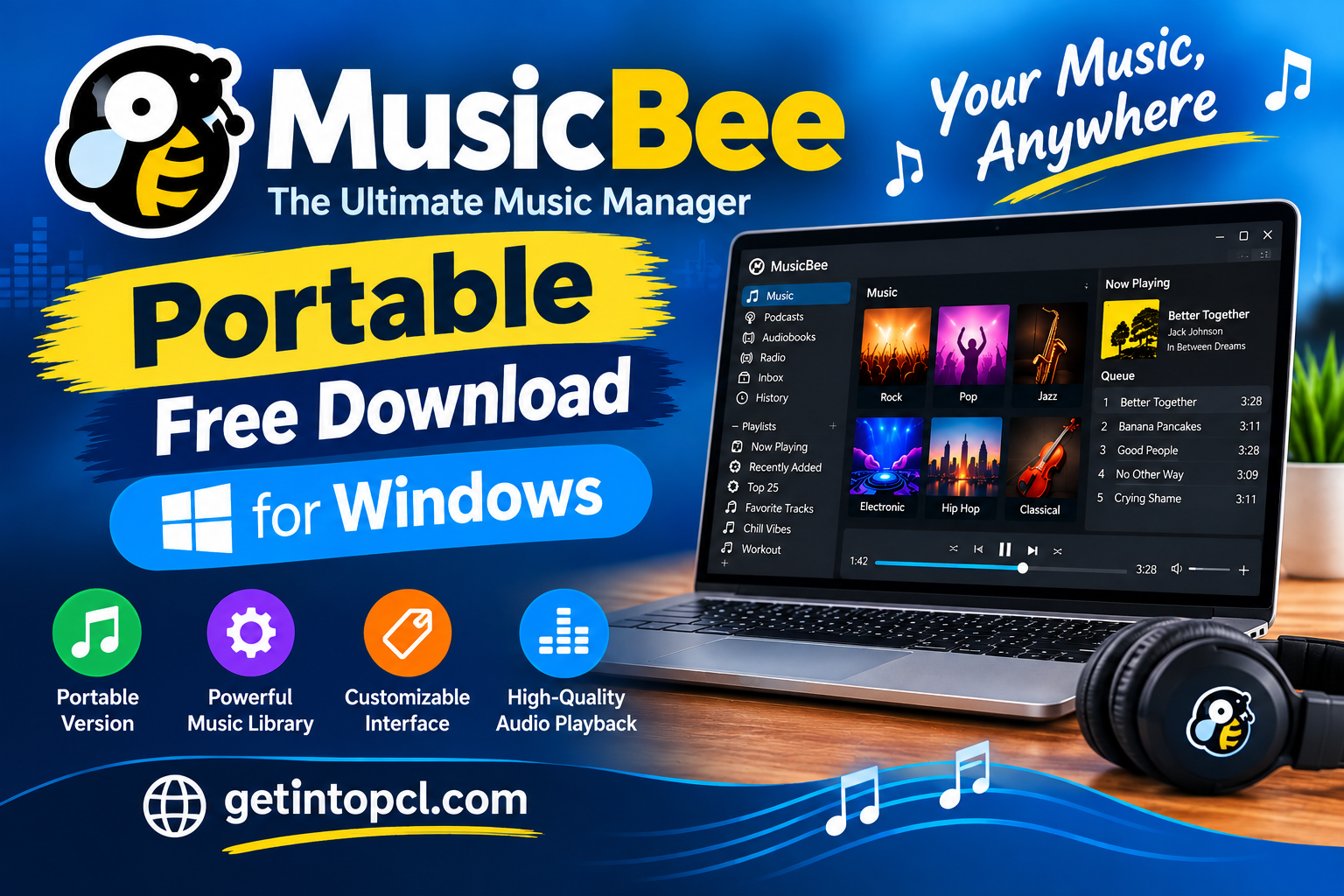
What Is MusicBee?
This is a Windows music manager and audio player designed for people who want more control over their music libraries. Instead of functioning only as a basic player, it can catalog tracks, organize metadata, display artwork, create playlists, synchronize compatible devices, and provide tools for improving playback quality.
The application is particularly useful for users with large collections of MP3, FLAC, AAC, and other supported audio files. It can help turn a folder full of music into a searchable and organized library.
The project is freeware, and the official website allows users to support development through voluntary donations.
Key Features
Music Library Management
One of its main strengths is library organization. You can scan music folders, browse artists and albums, work with metadata, and use auto-tagging tools to clean up an untidy collection.
Artwork and other track information can also be managed, making large collections easier to browse.
High-Quality Audio Playback
The player includes a 10-band or 15-band equalizer and DSP effects for users who want to adjust their listening experience. It also supports WASAPI and ASIO, which can be useful with compatible audio hardware and drivers.
Gapless playback is available for music where continuous transitions between tracks are important. The software can also perform functions such as volume normalization and resampling.
CD Ripping and Music Conversion
The application includes tools for ripping audio CDs and converting music between supported formats. This makes it useful for people who are moving an older CD collection to a digital library.
Podcasts and Internet Radio
It is not limited to locally stored files. The official feature list also includes podcast support, web radio stations, and SoundCloud integration.
Skins, Plugins, and Visualizers
Users can customize the interface with skins and extend the application with plugins and visualizers. The official website maintains an add-on section for additional functionality.
Device Synchronization
The software can synchronize music, playlists, podcasts, and audiobooks with compatible devices. It can also convert formats during synchronization when a target device does not support a particular audio format.
Portable Version Getintopc
The portable edition is designed for users who want the application stored in its own folder rather than installed in the traditional Windows program structure.
The official download page specifically provides a Portable Edition and states that it can be installed in another location, including another partition or a USB drive.
How Is the Portable Edition Different?
The important point is that the portable edition is not a cut-down version. MusicBee community documentation explains that the Installer and Portable editions have the same functionality. The major difference is how the files are stored and managed.
With the portable edition, the application files can remain together in one directory. This makes copying the complete setup to another location much easier.
It is therefore useful for people who want a portable music player for Windows, a USB-based music application, or an installation that can be backed up simply by copying its folder.
Portable vs Installed Version
| Feature | Portable Edition | Installer Edition |
|---|---|---|
| Traditional Windows installation | No traditional system installation | Yes |
| Can be stored on another drive | Yes | More restricted |
| USB use | Supported | Not its main purpose |
| Files kept together | Yes | Program files are installed normally |
| Easy folder backup | Yes | Less convenient |
| Main music features | Same | Same |
| Easy to move between PCs | Yes | Less convenient |
The official download page confirms that the portable edition can be placed on another partition or USB drive, while the installer edition installs on the Windows system drive.
Is the Portable Version Legal and Safe?
Yes. The portable edition is legitimate because it is provided directly through the project’s official download page. This is different from downloading an unofficial repack from an unknown third-party website.
The safest approach is to obtain the portable package from the official site rather than relying on modified installers, cracked packages, or random file-hosting links.
The official site also states that the application does not collect statistics, personal information, or analytics. Some optional online services can process information related to songs played when those services are enabled.
As with any software download, users should verify that they are downloading from the genuine project website.
How to Download and Run the Portable Version
Step 1: Open the Official Download Page
Go to the project’s official download page and look for the Portable Edition rather than the standard installer. The current release listed there is version 3.6.9668.
Step 2: Download the Portable Package
Select the portable download and save the package to your computer.
Step 3: Extract or Install the Portable Package
The official community guide explains that the portable download is packaged as a self-extracting file. You can choose a dedicated folder for the portable installation rather than placing it inside protected Windows locations such as Program Files.
A simple folder such as C:\MusicBee can make the installation easier to manage.
Step 4: Launch the Application
After the portable files are placed in the chosen folder, open the main executable to start the program.
Because the portable edition keeps its files together, you can back up the complete folder by copying it to another drive.
Step 5: Add Your Music
Once the player opens, add your music folders and allow the library to scan your collection. You can then organize albums, artists, playlists, artwork, and metadata.
System Requirements and Compatibility
Supported Windows Versions
The current official download page lists support for:
- Windows 7
- Windows 8
- Windows 10
- Windows 11
The current release is version 3.6.9668.
32-Bit and 64-Bit Windows
Older official FAQ information and community documentation indicate support for both 32-bit and 64-bit Windows versions. However, the current download page does not provide a detailed modern CPU, RAM, or storage requirement table.
For that reason, it is better not to treat old minimum requirements found on forum posts as the current official specification.
The website does provide a useful real-world memory figure: it reports approximately 25–70 MB of RAM in a test using a 200-album, 3 GB music library with skins and add-ons. This is an example measurement rather than a minimum system requirement.
Does It Work on macOS or Linux?
The official project is Windows-focused. There is no official native macOS or Linux release listed on the current download page. Some community users have experimented with running the Windows application through Wine on Linux, but that should not be confused with official Linux support.
Advantages and Limitations
Advantages
- Free music player and manager
- Official portable edition
- Works with Windows 7, 8, 10, and 11
- Can be stored on another drive or USB device
- Full-featured music library management
- Auto-tagging and artwork tools
- CD ripping and conversion features
- Equalizer and DSP effects
- Gapless playback
- WASAPI and ASIO support
- Podcasts and web radio
- Skins, plugins, and visualizers
- Easy backup of the portable folder
Limitations
- Windows-focused rather than cross-platform
- No official native macOS or Linux edition
- Large music collections can require more storage and processing resources
- Some advanced features may require configuration
- Third-party plugins can have their own compatibility requirements
- Portable use does not automatically make music files portable; your music library still needs to be accessible from the new computer or drive
Frequently Asked Questions
Is MusicBee free to use?
Yes. The official website provides the software for free and offers an optional donation option for users who want to support the project.
Is the portable version free?
Yes. The official download page provides the Portable Edition alongside the Installer Edition.
Can it run without installation?
Yes. The portable edition is designed to keep the application in its own folder rather than using a traditional Windows installation. Community documentation explains that the portable files can be copied as one directory.
Can I run the portable version from a USB drive?
Yes. The official download page specifically says that the portable edition can be installed on another partition or a USB drive.
Does the portable edition have the same features as the installed version?
Yes. Community documentation states that there is no difference in functionality between the Installer and Portable editions; the main benefit of the portable option is that the application and its files can be kept together and moved more easily.
Does it work on Windows 11?
Yes. Windows 11 is explicitly listed among the supported operating systems for the current release.
Does it work on Windows 10?
Yes. Windows 10 is also officially listed as supported.
Can I move the portable installation to another computer?
Yes. One of the main benefits is that the complete application folder can be copied to another location. However, music files and their paths also need to be available to the new computer if you want the existing library to work correctly.
Is there a portable version for Linux or Mac?
There is no official native Linux or macOS edition listed by the project. Linux users may find community Wine solutions, but those are not the same as official platform support.
Final Verdict
The portable edition is a strong option for Windows users who want a full-featured music player without tying the application to a conventional Windows installation. It provides the same major functionality as the installed edition while making the program easier to move, back up, and store on another drive or USB device.
The current release, 3.6.9668, supports Windows 7, 8, 10, and 11, and the developer provides the portable package directly through the official download page.
For users managing a large local music collection, the combination of library management, tagging, CD ripping, audio processing, playlists, device synchronization, plugins, skins, and portable operation makes it a useful alternative to a basic media player.
Download
For the safest download, use the official website and select the Portable Edition Getintopc. The current release listed by the project is version 3.6.9668.
Download Now: MusicBee Official Download Page – Portable Edition