
Freelancing requires more than professional skills. Whether you are a writer, graphic designer, developer, virtual assistant, video editor, marketer, or consultant, you also need reliable tools for managing projects, tracking time, communicating with clients, creating documents, protecting accounts, and staying organized. Fortunately, many powerful applications offer free plans that can handle a large part of a freelancer’s daily workload.
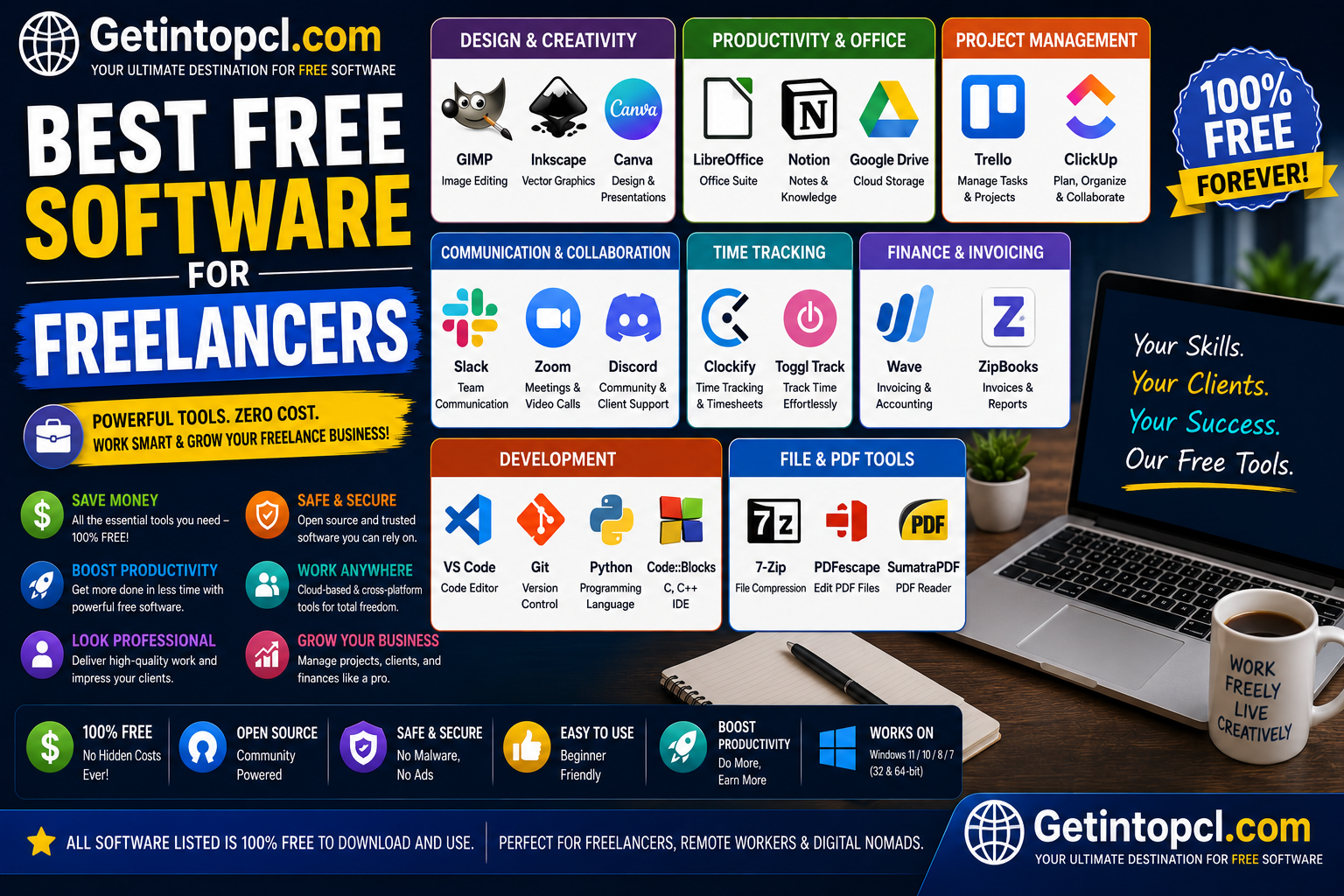
The best free software for freelancers includes tools such as Notion, Trello, ClickUp, Clockify, Slack, LibreOffice, and Bitwarden. These applications are developed by different companies and organizations, and each focuses on a particular area of freelance work. Some are completely free and open source, while others use a freemium model that reserves advanced features for paid subscribers.
This guide examines their major uses, features, compatibility, system requirements, pricing, advantages, limitations, and official download options. Because cloud-based applications do not publish traditional hardware requirements in many cases, this article does not invent processor or RAM specifications where the developers have not officially provided them.
1. Notion
Developed by: Notion Labs, Inc.
Main purpose: Notes, documents, databases, project management, task organization, and knowledge management.
Notion is one of the most flexible freelance productivity tools available. A freelancer can use it as a project planner, client database, content calendar, documentation system, task manager, or personal knowledge base.
Its Free plan includes pages, databases, basic forms, publishing pages to the web, Notion Calendar, and trial AI capabilities. Notion describes the Free plan as being intended primarily for individuals organizing personal projects and life.
Major features
- Customizable pages and databases
- Task and project management
- Templates
- Calendar integration
- Basic forms
- Public webpage publishing
- Collaboration
- Notion AI trial capabilities
- Knowledge-base organization
Compatibility
Notion officially provides desktop applications for Windows and macOS. Its current documentation says there is no native Linux desktop application, although Linux users can use Notion through supported web browsers.
The Windows application is available as a regular desktop download and MSIX package, while the Mac application has versions appropriate for supported processor architectures.
System Requirements
Officially documented:
- Operating system: Supported Windows and macOS versions; Linux users can use the web application.
- Processor: Not specifically published as a minimum requirement.
- RAM: Not specifically published.
- Storage: Not specifically published.
- Graphics: No specific minimum GPU requirement published.
- Internet: Required for the cloud-based service and synchronization.
- Other: A compatible modern web browser can be used on Linux.
Recommended: Use a current supported Windows or macOS release with a modern browser and reliable internet connection.
Pricing
Notion is freemium.
| Plan | Price | Best for |
|---|---|---|
| Free | $0 | Individual freelancers |
| Plus | $10/member/month billed annually | Small teams and professionals |
| Business | Higher paid tier | Larger teams and advanced collaboration |
| Enterprise | Custom | Organizations |
The Free plan is particularly suitable for solo freelancers, while paid plans add capabilities for professional collaboration and larger workspaces.
2. Trello
Developed by: Atlassian
Main purpose: Visual project and task management.
Trello is an excellent choice for freelancers who prefer a simple visual workflow. Its boards, lists, and cards make it easy to organize client projects from initial planning to completion.
A freelancer can create separate boards for clients, marketing, content production, invoices, or personal tasks.
Major features
- Kanban-style boards
- Cards and checklists
- Due dates
- Assignments
- Power-Ups
- Automation
- Custom backgrounds
- Two-factor authentication
- Mobile applications
Trello’s Free plan currently includes unlimited cards, up to 10 boards per Workspace, unlimited Power-Ups per board, 10 MB per file, and up to 10 collaborators per Workspace.
Compatibility
Trello offers web access and desktop applications for Windows and macOS. Its official desktop documentation lists Windows 10 or later and macOS 11 or higher, 64-bit only. Trello does not provide a native Linux desktop application, so Linux users should use the web version.
Trello desktop apps require an active internet connection and do not support offline synchronization.
System Requirements
Officially documented:
- Windows: Windows 10 or newer, 64-bit.
- macOS: macOS 11 or newer, 64-bit.
- Linux: No native desktop application; use the web version.
- Processor: No specific minimum officially published.
- RAM: No specific minimum officially published.
- Storage: No specific minimum officially published.
- Graphics: No dedicated GPU requirement published.
- Internet: Required for Trello desktop synchronization.
Pricing
Trello uses a freemium subscription model.
| Plan | Price* | Major difference |
| Free | $0 | Basic boards and task management |
| Standard | $5/user/month annually | More boards, automation and additional features |
| Premium | $10/user/month annually | Advanced views and AI |
| Enterprise | $17.50/user/month annually | Enterprise administration and security |
*Prices can change and may vary by billing arrangement or region.
3. ClickUp
Developed by: ClickUp
Main purpose: Project management, tasks, documents, collaboration, and productivity.
ClickUp is designed for freelancers who want many business functions in one application. It can manage projects, tasks, documents, calendars, forms, and workflows.
The Free Forever plan currently includes unlimited tasks and members, collaborative Docs, Kanban boards, Sprint Management, Calendar View, basic Custom Fields, in-app video recording, two-factor authentication, 60 MB of storage, and 24/7 support.
Compatibility
ClickUp provides desktop applications for Windows, macOS, and Linux. Its official documentation lists Windows 10 and macOS 10.16 as minimum supported operating systems.
System Requirements
- Windows: Windows 10 or later.
- macOS: macOS 10.16 or later.
- Linux: Supported through the ClickUp desktop application.
- Processor: No specific minimum officially published.
- RAM: No specific minimum officially published.
- Storage: No specific minimum officially published.
- Graphics: No dedicated GPU requirement published.
- Internet: Required for normal cloud synchronization.
Pricing
ClickUp is freemium.
| Plan | Price | Best use |
| Free Forever | $0 | Solo freelancers and small projects |
| Unlimited | $7/user/month annually | Growing freelance operations |
| Business | $12/user/month annually | More advanced teams |
| Enterprise | Custom | Larger organizations |
The Unlimited plan adds features such as unlimited storage, Gantt charts, integrations, native time tracking, and additional project-management capabilities.
4. Clockify
Developed by: Clockify
Main purpose: Time tracking, timesheets, productivity monitoring, expenses, and billable-hour management.
Clockify is particularly valuable for freelancers who charge clients by the hour. It allows you to start and stop timers, categorize work by project, create reports, and calculate the value of billable time.
It is also useful for freelancers who charge fixed prices because tracking time can reveal how much effort different types of projects actually require. Clockify supports Windows, macOS, Linux, browser extensions, Android, and iOS.
Major features
- Automatic and manual time tracking
- Timesheets
- Billable rates
- Reports
- Expenses
- Desktop application
- Browser extensions
- Offline tracking
- Auto Tracker
- Productivity monitoring
Compatibility and system requirements
Clockify’s current official system requirements list:
- macOS: 12.0 or newer
- Windows: 10.0 or newer
- Linux: Ubuntu 20.04+, Linux Mint 20+, Fedora 30+, or CentOS 8+
- Processor: No specific minimum published.
- RAM: No specific minimum published.
- Storage: No specific minimum published.
- Graphics: No dedicated GPU requirement published.
- Internet: Required for synchronization, although supported desktop applications include offline functionality.
One useful limitation is that Clockify’s Auto Tracker on macOS requires the version downloaded from Clockify’s website rather than the Mac App Store version.
Pricing
Clockify offers a free plan with paid subscriptions for additional functionality. Its current documentation says users can track unlimited time for free, while paid features begin with subscription tiers such as Basic and Standard.
5. Slack
Developed by: Slack Technologies
Main purpose: Team communication, client communication, messaging, file sharing, and collaboration.
Slack can be useful when freelancers work with agencies, startups, development teams, or long-term clients. Instead of mixing professional conversations with personal messaging apps, you can organize communication into channels and direct messages.
The Free plan currently includes 90 days of searchable message history, limited app integrations, 1:1 meetings, and other collaboration features.
Compatibility
Slack supports Windows, macOS, and Linux desktop applications. Current official requirements list macOS 13 or newer, Windows 11 version 23H2 or newer, and Linux distributions including Ubuntu LTS 22.04+ and Red Hat Enterprise Linux 9+.
Slack’s Linux application is officially labeled Beta.
System Requirements
- Windows: Windows 11 23H2 or newer.
- macOS: macOS 13 or newer.
- Linux: Ubuntu LTS 22.04+ or RHEL 9+ for the currently documented desktop requirements.
- Processor: No specific minimum officially published.
- RAM: No specific minimum officially published.
- Storage: No specific minimum officially published.
- Graphics: No dedicated GPU requirement published.
- Internet: Persistent internet connectivity is important for messaging and synchronization.
Slack updates its system requirements twice each year, so freelancers using older operating systems should check the current support lifecycle before installation.
Pricing
Slack is freemium. The Free plan costs $0, while Pro and higher plans provide expanded message history, integrations, collaboration, and administration features.
6. LibreOffice
Developed by: The Document Foundation and the LibreOffice community
Main purpose: Word processing, spreadsheets, presentations, databases, and office productivity.
LibreOffice is one of the strongest choices for freelancers who want a genuinely free and open-source office suite without a recurring subscription. It includes Writer, Calc, Impress, Draw, Base, and Math.
It can be useful for proposals, contracts, invoices, spreadsheets, reports, presentations, and document editing.
Compatibility
Current LibreOffice documentation supports Windows, macOS, and GNU/Linux. LibreOffice 26.2 documentation lists Windows 10/11, macOS 11 or newer, and Linux with kernel 4.18+ and glibc 2.27+.
System Requirements
Windows:
- Windows 10 or 11, or supported Windows Server releases
- Pentium-compatible PC
- RAM: 256 MB minimum; 512 MB recommended
- Storage: Up to 1.5 GB
- Graphics/display: 1280×800 with at least 256 colors
- Administrator rights required for installation
macOS:
- macOS 11 or newer
- Intel or Apple silicon processor
- RAM: 512 MB
- Storage: Up to 800 MB
- Graphics/display: 1280×800 with 256 colors
Linux:
- Linux kernel 4.18 or newer
- glibc 2.27 or newer
- x86-64-v2-level CPU for The Document Foundation builds
- RAM: 256 MB minimum; 512 MB recommended
- Storage: Up to 1.55 GB
- 1280×800 display
- Compatible graphical environment such as GNOME or KDE
Some features, particularly Base, require Java.
Pricing
LibreOffice is free and open source. The official website provides downloads for Windows, macOS, and Linux.
Unlike freemium applications, there is no paid version required to unlock the core office suite.
7. Bitwarden
Developed by: Bitwarden
Main purpose: Password management, credential security, secure notes, passkeys, and account protection.
Freelancers often manage dozens of client accounts, email accounts, hosting dashboards, social networks, payment services, and project-management platforms. Bitwarden helps store unique passwords securely instead of reusing credentials.
Its free individual plan provides unlimited password storage, unlimited devices, secure password generation, and access across desktop, browser, and mobile applications.
Compatibility
Bitwarden provides desktop applications for Windows, macOS, and Linux. Feature availability can vary depending on the installation channel, such as direct downloads or app stores.
System Requirements
- Windows: Supported through the official desktop application.
- macOS: Supported through the official desktop application.
- Linux: Supported through official desktop distribution channels.
- Processor: No general minimum CPU specification published.
- RAM: No general minimum RAM specification published.
- Storage: No general minimum storage specification published.
- Graphics: No dedicated GPU requirement published.
- Internet: Required for account synchronization and cloud access; encrypted local data can provide offline access after login.
Pricing
Bitwarden is freemium. Its individual Free plan is always free, while Premium currently costs $1.65 per month when billed annually. Premium adds features such as integrated authenticator functionality, encrypted file attachments, emergency access, and security reports.
Best Free Software for Freelancers: Quick Comparison
| Software | Main purpose | Free version | Windows | macOS | Linux |
| Notion | Notes & project organization | Yes | Yes | Yes | Web only |
| Trello | Task management | Yes | Yes | Yes | Web only |
| ClickUp | Project management | Yes | Yes | Yes | Yes |
| Clockify | Time tracking | Yes | Yes | Yes | Yes |
| Slack | Communication | Yes | Yes | Yes | Yes, Beta |
| LibreOffice | Documents & spreadsheets | Yes | Yes | Yes | Yes |
| Bitwarden | Password security | Yes | Yes | Yes | Yes |
Where to Safely Download These Freelance Tools
The safest approach is to download software directly from the official developer website or an official application store.
Recommended sources include:
- Notion Desktop
- Trello
- ClickUp
- Clockify Apps
- Slack Downloads
- LibreOffice Downloads
- Bitwarden Downloads
Avoid cracked versions, unauthorized download sites, modified installers, and software claiming to provide paid features for free. Such downloads can contain malware, unwanted programs, or altered code.
Advantages of Using Free Software for Freelancing
The biggest advantage is cost. New freelancers can build a professional workflow without immediately paying for numerous subscriptions.
Other benefits include:
- Lower operating costs
- Professional project organization
- Better time management
- Easier client communication
- Improved document creation
- Better password security
- Cloud synchronization
- Cross-platform support
- Easy scalability as your business grows
Free plans are especially valuable when you are starting a freelance career or testing different workflows.
Limitations to Consider
Free software is not always unlimited. Common restrictions include storage caps, limited collaboration, reduced message history, fewer automation features, limited integrations, or advanced features reserved for paid plans.
For example, Trello limits the number of boards in its Free plan, ClickUp limits Free storage, Slack limits searchable message history, and Notion reserves some advanced collaboration capabilities for paid plans.
Another limitation is that cloud applications depend heavily on internet access. Freelancers who regularly work offline may prefer desktop software such as LibreOffice for documents and spreadsheets.
Who Should Use These Free Freelance Software Tools?
Different freelancers will benefit from different combinations.
Writers and content creators: Notion + LibreOffice + Clockify
Graphic designers: Notion or Trello + Clockify + Bitwarden
Developers: ClickUp + Slack + Bitwarden
Virtual assistants: Trello or ClickUp + Clockify + LibreOffice
Digital marketers: Notion + Trello + Slack + Canva
New freelancers: Start with free plans and upgrade only when a genuine business requirement appears.
The most important principle is not to install every productivity application available. Choose a small set of tools that solves your actual problems.
Frequently Asked Questions
Is free software safe for freelancers?
Yes, reputable free software can be safe when downloaded from the official developer website or legitimate app store. Security depends partly on keeping the software updated and protecting your accounts with strong passwords and two-factor authentication.
Which is the best free software for freelancers?
There is no single best application for every freelancer. Notion is excellent for organization, Trello for visual project management, ClickUp for comprehensive project management, Clockify for time tracking, Slack for communication, LibreOffice for documents, and Bitwarden for password security.
Can I use these programs on Windows?
Yes. All seven tools in this guide have Windows access, although some are primarily cloud-based and others have full desktop applications. Current operating-system requirements vary, so check the developer’s official requirements before installing.
Which tools work on Mac?
Notion, Trello, ClickUp, Clockify, Slack, LibreOffice, and Bitwarden support macOS. However, supported macOS versions differ between products.
Can freelancers use these tools on Linux?
Yes, but support varies. ClickUp, Clockify, Slack, LibreOffice, and Bitwarden provide Linux applications. Notion and Trello do not currently provide native Linux desktop applications, so their web versions are the practical choice.
How much RAM do these applications require?
Most of these cloud-based services do not publish an official minimum RAM specification. LibreOffice does publish hardware requirements: its current documentation lists 256 MB RAM minimum for Windows/Linux and 512 MB recommended, while macOS requires 512 MB.
Is there really a free version?
Yes. Notion, Trello, ClickUp, Clockify, Slack, LibreOffice, and Bitwarden all provide free access, although several use a freemium model where advanced features require payment.
Where should I download freelancer software?
Use the official developer website or legitimate stores such as the Microsoft Store, Mac App Store, or your Linux distribution’s official software repository when applicable. Avoid pirated software and unofficial modified installers.
Conclusion
The best free software for freelancers available on Getintopc can cover almost every major part of a freelance workflow without requiring a large software budget. Notion and Trello are excellent for organization, ClickUp offers a broader project-management environment, Clockify handles time tracking, Slack improves communication, LibreOffice provides a powerful free office suite, and Bitwarden protects important accounts.
The best approach is to begin with the free versions, determine which tools genuinely improve your workflow, and upgrade only when the limitations of a free plan start affecting your business. With the right combination, freelancers can manage projects, communicate with clients, track billable hours, create professional documents, and protect their digital accounts while keeping operating costs low.