
Cursor AI Code Editor is an AI-powered integrated development environment (IDE) designed to help programmers write, edit, understand, and manage code more efficiently. It combines traditional source-code editing capabilities with artificial intelligence, allowing developers to generate code, debug errors, refactor existing projects, and interact with their codebase using natural language. Cursor is developed by Anysphere and is designed for professional software developers, web developers, students, and programming enthusiasts who want AI assistance integrated into their development workflow.
Built on the foundation of Visual Studio Code, Cursor provides a familiar interface while introducing advanced AI capabilities such as intelligent code completion, conversational coding assistance, project-aware suggestions, and agent-based development. The editor supports multiple programming languages and is available for Windows, macOS, and Linux. Cursor offers free and paid subscription options, making it accessible to individuals exploring AI-assisted programming as well as developers working on larger software projects.
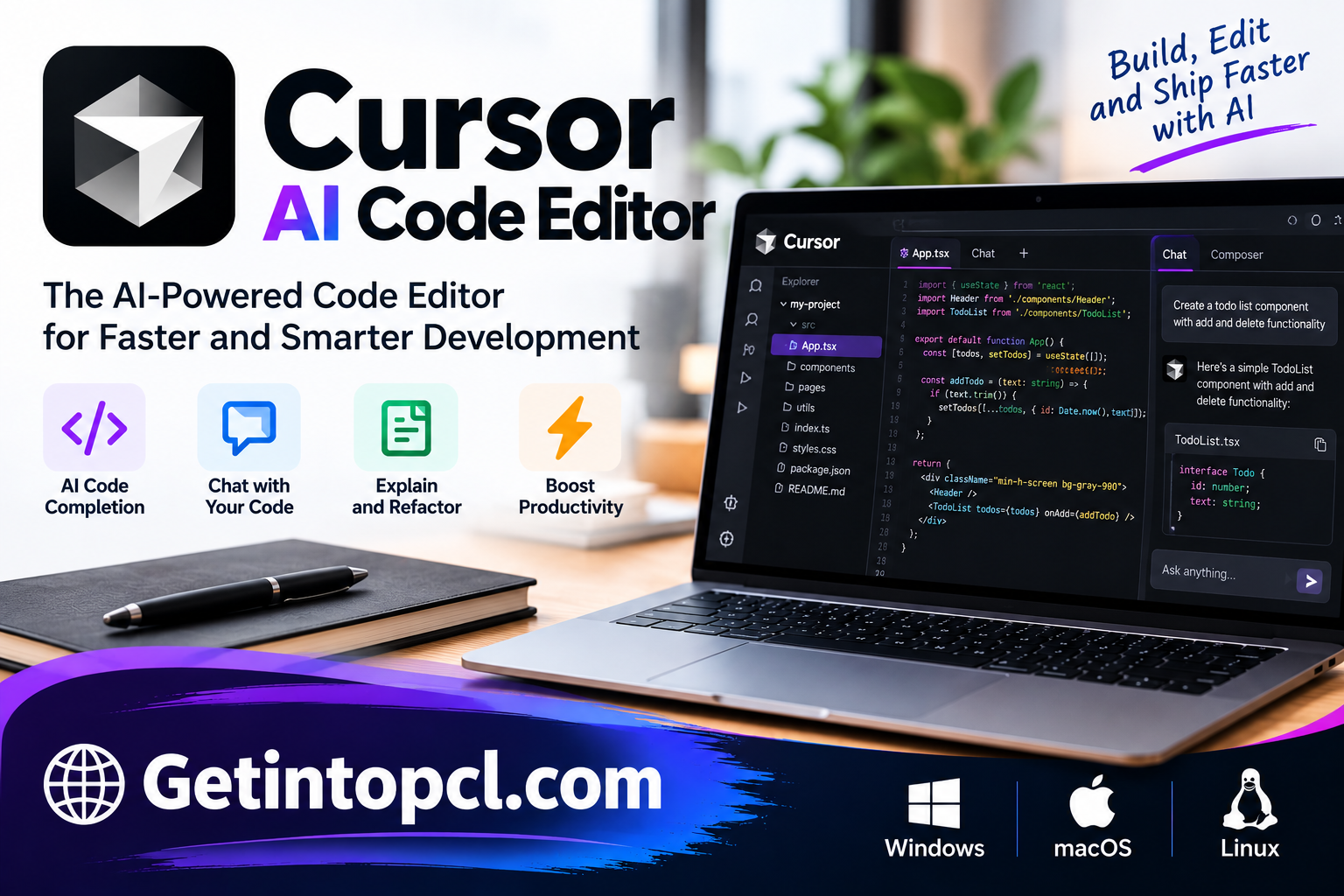
What Is Cursor AI Code Editor?
Cursor AI Code Editor is a desktop programming environment that integrates AI models into everyday software development. Unlike conventional code editors that primarily provide syntax highlighting, autocomplete, and extensions, Cursor enables developers to communicate with an AI assistant directly within their workspace.
The editor is developed by Anysphere, a software company focused on AI-assisted programming tools. Cursor uses a VS Code-based editing environment, which helps developers transition from traditional code editors without learning an entirely unfamiliar interface.
Cursor’s AI functionality can analyze relevant project files, generate suggestions, explain programming logic, and propose changes across multiple files. Developers can describe programming tasks in ordinary language instead of manually writing every line of code.
For example, a programmer working on a website can ask Cursor to create a responsive navigation component, explain a JavaScript function, identify a possible error, or suggest improvements to existing application code.
Cursor is particularly useful for projects involving multiple files, programming frameworks, and repeated development tasks. However, its AI-generated output still requires human review, testing, and validation.
Main Uses of Cursor AI Code Editor
Cursor supports several practical software development activities, ranging from simple code suggestions to more complex programming workflows.
AI-Assisted Code Writing
Developers can use Cursor to generate functions, classes, components, and other programming elements. Its AI assistant interprets natural-language instructions and produces code suggestions based on the available project context.
This can help reduce repetitive typing and provide starting points for unfamiliar programming tasks.
Debugging and Error Resolution
Cursor can help developers investigate programming errors by examining code, error messages, and relevant project files. The AI assistant can explain possible causes and suggest modifications.
These suggestions are not guaranteed to solve every problem, so developers should verify the results through debugging and testing.
Code Refactoring
Cursor can assist with reorganizing existing code to improve readability, structure, and maintainability. Developers may request changes such as simplifying functions, reducing duplicated logic, or restructuring components.
Understanding Existing Codebases
When working with unfamiliar projects, developers can ask Cursor questions about functions, files, and application architecture. Its context-aware assistance can help explain relationships between different parts of a codebase.
Web and Application Development
Cursor can assist with frontend development, backend programming, API integration, database-related code, and application maintenance. Its usefulness depends on the programming language, framework, and available project context.
Features
Cursor includes several AI-powered features designed to support software development.
Cursor Tab Code Completion
Cursor Tab provides intelligent code suggestions while developers type. Depending on the context, suggestions may include individual lines, multiple lines, or modifications to existing code.
Unlike basic autocomplete systems that primarily suggest syntax or variable names, AI-assisted completion can consider surrounding code and predict broader editing intentions.
Agent Mode
Cursor’s agent capabilities allow developers to describe complex programming tasks and receive assistance involving multiple files and development steps.
An agent may inspect relevant files, propose edits, and interact with available development tools. Depending on the configuration and permissions, it may also execute terminal commands.
Developers should review agent actions carefully, particularly when modifying important files or running commands that affect the project environment.
AI Chat and Codebase Questions
Cursor provides a conversational interface where programmers can ask questions about their code.
For example, developers can request explanations of complicated functions, ask about an unfamiliar library, or investigate how different components interact.
The assistant can use relevant project context to produce responses that are more specific than generic programming explanations.
Multi-File Editing
Many development tasks require changes across several files. Cursor supports AI-assisted workflows that can propose coordinated modifications rather than limiting suggestions to a single open document.
This is useful when updating related components, modifying application behavior, or reorganizing project structures.
AI Model Selection
Cursor provides access to supported AI models, with availability depending on the subscription plan and current product offerings.
Different models may have different strengths, usage limits, and costs. Users should review their plan’s model access before selecting one for a particular task.
Integrated Terminal and Extensions
Cursor includes familiar developer tools such as an integrated terminal, source-code navigation, Git-related workflows, and editor extensions.
Because it is based on VS Code, developers can use many familiar editing conventions and supported extensions. However, compatibility with every VS Code extension is not guaranteed.
Privacy and Security Controls
Cursor provides privacy-related settings intended to help users control aspects of AI-assisted development.
Developers working with proprietary code should review the current privacy policy, data-handling terms, and organizational security requirements before sharing project context with cloud-based AI models.
Platform and Compatibility
Cursor AI Code Editor is available for Windows, macOS, and Linux, making it suitable for developers working across different operating systems.
| Platform | Compatibility |
|---|---|
| Windows | Windows 10 and later |
| macOS | macOS 12 Monterey and later |
| Linux | Supported distributions, including Debian/Ubuntu and Fedora-based systems |
| Programming languages | Python, JavaScript, TypeScript, Java, C++, and other languages through supported tooling |
| Editor environment | VS Code-based interface with extension support |
Cursor can support web development, backend programming, application development, and other software projects. The exact capabilities depend on installed language tools, extensions, and development frameworks.
System Requirements
Cursor’s published installation guidance identifies supported operating systems, but a complete official minimum hardware specification is not provided in the available documentation.
| Component | Requirements |
|---|---|
| Operating System | Windows 10 or later, macOS 12 or later, or supported Linux distribution |
| Processor | Compatible processor for the selected installer |
| RAM | Official minimum not specified |
| Storage | Sufficient space for the editor, extensions, and development projects |
| Graphics | No specific dedicated GPU requirement published for standard cloud-assisted coding |
| Internet | Required for cloud AI assistance and updates |
| Account | Cursor account required for AI features |
Developers handling large codebases, containers, or resource-intensive frameworks may require additional hardware resources. The editor’s AI processing generally relies on remote models, so a dedicated graphics card is not necessarily required for ordinary AI-assisted coding.
Technical Setup Details
Installing Cursor is straightforward for users familiar with desktop software.
-
Visit the official Cursor website and open the download section.
-
Choose the installer compatible with Windows, macOS, or Linux.
-
Download and run the installation package.
-
Follow the installation instructions for the selected operating system.
-
Launch Cursor and sign in with a Cursor account.
-
Configure the editor theme, keyboard shortcuts, and preferences.
-
Import supported settings from an existing development environment if desired.
-
Open a project folder and begin working with the AI coding assistant.
Developers may also need to install programming-language runtimes, Git, package managers, compilers, or other dependencies based on their projects.
Cursor’s AI features generally require an internet connection. Users should also configure privacy settings and review project permissions before enabling automated code modifications or terminal actions.
Pricing and Licensing
Cursor is commercial software with a free entry-level option and paid subscriptions. Its newer subscription structure includes AI usage shared across Cursor and other services within the same subscription.
| Plan | Listed monthly price | Main offering |
|---|---|---|
| Free | $0 | Limited AI chat and agent usage |
| Plus | $8 | Entry-level paid AI usage |
| Premium | $30 | Higher usage and advanced agent features |
| Super | $100 | Increased usage for frequent AI development |
| Ultra | $200 | Highest listed individual usage tier |
| Teams | Varies by seat tier | Team management and collaboration |
| Enterprise | Custom | Organizational security and administration |
Some existing customers remain on legacy Cursor plans, including Pro and Pro+, with different pricing and usage arrangements. Third-party AI model usage may also be charged separately, depending on the subscription.
Although Cursor is built on a VS Code foundation, the Cursor application itself is proprietary software rather than a fully open-source product.
Advantages and Limitations
Advantages
-
AI-powered code completion: Provides contextual suggestions during programming.
-
Integrated coding assistant: Allows developers to interact with AI without leaving their editor.
-
Multi-file support: Helps manage changes involving multiple project components.
-
Familiar interface: Makes migration easier for developers accustomed to VS Code.
-
Debugging assistance: Helps explain errors and propose possible solutions.
-
Multiple programming languages: Supports different development environments and workflows.
-
Free entry-level access: Allows users to explore core AI features before subscribing.
Limitations
-
AI accuracy: Generated code may contain bugs, insecure patterns, or incorrect assumptions.
-
Subscription costs: Advanced usage and certain capabilities require paid plans.
-
Internet dependence: Cloud-based AI functionality generally requires connectivity.
-
Usage restrictions: Free and paid plans have different usage allowances.
-
Privacy considerations: Sensitive code requires appropriate data-handling precautions.
-
Learning curve: Advanced agent workflows may require practice and configuration.
Cursor can improve development workflows, but it does not eliminate the need for programming knowledge, testing, and code review.
Who Should Use Cursor AI Code Editor?
Cursor is suitable for different categories of programmers and technical users.
Professional developers can use Cursor to assist with application development, debugging, code maintenance, and refactoring.
Web developers may find its AI tools useful for working with JavaScript, TypeScript, HTML, CSS, frontend frameworks, and backend applications.
Students and programming beginners can use conversational explanations to understand unfamiliar concepts, investigate errors, and learn from generated examples.
Freelance developers may benefit from project-aware assistance when switching between different client applications and programming frameworks.
Software development teams can explore Cursor’s team-oriented features, centralized administration, and agent-based workflows, depending on their subscription.
Cursor AI Code Editor Alternatives
Several AI coding tools offer functionality similar to Cursor.
| Alternative | Main purpose |
|---|---|
| Windsurf | AI-integrated code editing and agent-based development |
| GitHub Copilot | AI programming assistance in supported editors |
| Tabnine | AI code completion and developer productivity |
| Cline | Agent-based coding assistance within supported editors |
| Continue | Configurable AI coding assistance and development workflows |
| Amazon Q Developer | AI coding assistance for software development |
Cursor and Windsurf are particularly relevant to developers seeking AI-focused editing environments. GitHub Copilot and Continue may appeal to programmers who prefer using an existing editor.
The best choice depends on development preferences, supported models, pricing, privacy requirements, and the complexity of the projects being developed.
Cursor AI Code Editor Download and Installation
Cursor can be downloaded from its official website at **https://cursor.com/download**.
The download page provides installation packages for supported operating systems. Users should choose the appropriate installer and follow the standard setup process.
After installation, developers can sign in, configure their workspace, import supported editor settings, and begin using the available coding features.
Users should avoid unofficial modified installers or packages claiming to unlock paid AI functionality without authorization.
Frequently Asked Questions
1. Is Cursor AI Code Editor free?
Yes. Cursor offers a free plan with limited AI usage. Paid subscriptions provide additional usage allowances and advanced functionality.
2. Does Cursor work on Windows?
Yes. Cursor supports Windows 10 and later, with installation packages available for supported processor architectures.
3. Is Cursor available for macOS and Linux?
Yes. Cursor provides desktop applications for macOS and supported Linux distributions.
4. Can beginners use Cursor for programming?
Yes. Beginners can use Cursor to understand code, receive suggestions, and investigate programming errors. However, learning fundamental programming concepts remains important.
5. Does Cursor support Python and JavaScript?
Yes. Cursor supports Python, JavaScript, TypeScript, and many other programming languages through its editing environment and associated tools.
6. Can Cursor generate complete applications?
Cursor’s AI agents can assist with creating application components, modifying project files, and coordinating development tasks. However, producing a reliable application still requires human supervision, testing, and deployment work.
7. Does Cursor work offline?
Cursor can perform ordinary local editing tasks without an internet connection, but its cloud-based AI features generally require connectivity.
8. Is Cursor better than VS Code?
Cursor provides deeper integrated AI-assisted workflows, while VS Code offers a widely used and highly customizable editing environment. Developers who primarily need conventional editing may prefer VS Code, while those seeking integrated AI agents may find Cursor more suitable.
Conclusion
Cursor AI Code Editor combines a familiar development environment with artificial intelligence to assist programmers with writing, understanding, editing, and debugging code. Its AI-powered completion, conversational assistance, and agent-based workflows make it useful for developers working on projects of different sizes.
The availability of Windows, macOS, and Linux applications makes Cursor accessible across major desktop platforms. Its free plan provides an opportunity to explore AI-assisted programming, while paid subscriptions offer expanded usage and additional capabilities.
For software developers, students, and technical professionals interested in AI-powered programming, Cursor offers an alternative to traditional code editors. Its effectiveness ultimately depends on how carefully developers review generated changes, configure their development tools, and integrate AI assistance into established coding practices.