
Microsoft Copilot AI Assistant is Microsoft’s conversational artificial intelligence service designed to help users find information, generate and improve content, brainstorm ideas, create images, analyze files, and complete a range of everyday productivity tasks. Unlike traditional software that performs a fixed set of functions, Copilot uses AI models to understand natural-language prompts and generate responses based on what the user asks.
Microsoft offers Copilot through the web, desktop and mobile applications, while related Copilot experiences are also integrated into Microsoft products and Microsoft 365 subscriptions. The standalone Copilot experience is available as a free conversational AI companion for personal accounts, while Microsoft 365 subscriptions provide additional Copilot capabilities and higher usage limits.
For people searching for an AI assistant, AI chatbot, AI productivity tool, AI writing assistant, research assistant, or general-purpose AI software, Microsoft Copilot is designed to cover many of these use cases. However, it is primarily a cloud-based service rather than a local AI program that runs completely offline on a user’s PC.
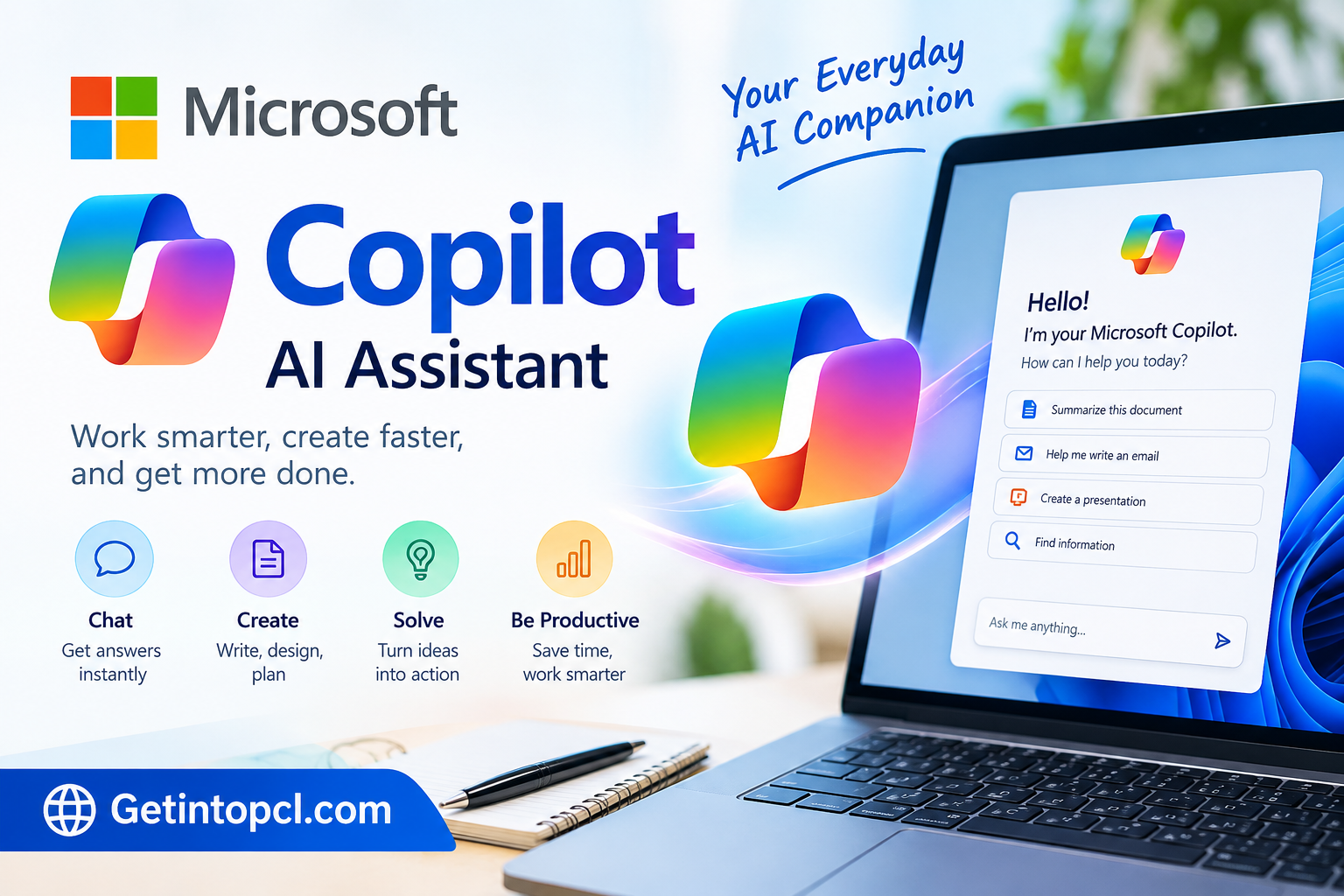
What Is Microsoft Copilot AI Assistant?
Microsoft Copilot is an AI assistant developed by Microsoft. It uses large language models (LLMs) to understand questions and instructions and produce conversational responses. Microsoft describes the free version as being suited to general questions, answers, and web-based tasks.
The service has evolved beyond a basic AI chatbot. Depending on the version, account, subscription, platform, and region, Copilot can help with writing, research, image creation, file analysis, summarization, brainstorming, and productivity tasks.
One important distinction is that Microsoft Copilot and GitHub Copilot are different products. Microsoft Copilot is a general-purpose AI assistant, whereas GitHub Copilot is specifically designed to assist software developers with coding and development workflows.
Copilot is primarily cloud-based. It is therefore different from local AI software that downloads an AI model to a computer and processes prompts entirely on the device. Users normally need an internet connection to interact with Microsoft’s online AI services.
The standalone Copilot service can be accessed through a web browser, desktop applications, and mobile applications. Microsoft also offers Microsoft 365 Copilot experiences connected to applications such as Word, Excel, PowerPoint and Outlook.
Main Uses of Microsoft Copilot AI Assistant
Microsoft Copilot covers a broad range of everyday AI assistant tasks.
Writing and Content Creation
Copilot can help users draft, rewrite, summarize, expand, or improve written content. This can be useful for emails, articles, notes, social media ideas, outlines, descriptions, and other forms of text.
Instead of starting with a blank document, users can provide an instruction describing the desired result and then refine the response through additional prompts.
Research and Information Gathering
Copilot can search relevant information across the web and summarize information in conversational form. Microsoft states that Copilot can cite sources used for web-based answers, allowing users to inspect the referenced material.
This makes it useful for preliminary research, although AI-generated answers should still be checked against reliable primary sources when accuracy matters.
Studying and Education
Students can use Copilot to explain difficult concepts, create study questions, summarize material, brainstorm research topics, and organize information.
It can function as an interactive study assistant because users can ask follow-up questions rather than relying on a single search query.
Document and File Analysis
Microsoft Copilot supports file uploads in its standalone experience. Microsoft documents support for formats including PDF, DOCX, XLSX, PPTX, CSV, JSON, TXT, Markdown and several image formats. Copilot can analyze uploaded files and answer questions about their contents.
This can be useful for summarizing reports, extracting information from documents, reviewing spreadsheets, or asking questions about uploaded material.
Coding and Programming
Copilot can also assist with programming-related questions. Users can ask it to explain code, identify possible problems, generate example code, translate code between languages, or explain programming concepts.
However, users looking specifically for an AI coding assistant integrated into development environments should distinguish Microsoft Copilot from GitHub Copilot, which is Microsoft’s separate developer-focused product.
Image Creation
Microsoft Copilot supports AI image creation as part of its broader conversational experience. Microsoft’s documentation also identifies image generation as a capability available through Copilot Chat.
Availability and usage can vary according to the account and subscription.
Features
Microsoft Copilot’s exact capabilities can vary by account, platform, region, and subscription, but its documented functionality includes several major AI assistant features.
- AI chat: Ask questions and interact with Copilot using natural-language prompts.
- Web-based answers: Copilot can use web information when answering suitable questions and provide citations.
- Writing assistance: Generate, rewrite, summarize, and refine text.
- Image creation: Create images from textual instructions.
- File uploads: Analyze supported documents, spreadsheets, presentations, text files, and images.
- Research assistance: Use conversational prompts to gather and organize information.
- Voice interaction: Microsoft’s current Copilot applications provide voice-based interaction on supported platforms.
- Microsoft 365 integration: Paid Microsoft 365 plans can provide Copilot capabilities within Microsoft applications.
- AI productivity tools: Copilot can assist with documents, presentations, spreadsheets, email-related work, and other productivity activities depending on the subscription.
- AI agents: Some Microsoft 365 plans provide access to agentic capabilities for tasks such as research and data analysis.
The feature set should not be treated as identical across every Copilot product. Microsoft specifically notes that feature availability can vary by license, platform, market, and organizational settings.
Platform and Compatibility
Microsoft Copilot is available across several types of devices and access methods.
| Platform | Availability |
|---|---|
| Web browser | Copilot can be accessed through a modern web browser |
| Windows | Copilot application available; availability depends on Windows version and current Microsoft distribution |
| macOS | Copilot application available on supported Macs |
| Android | Copilot mobile application available through Google Play |
| iPhone/iPad | Copilot application available through Apple’s App Store |
| Microsoft 365 | Copilot features are available in supported Microsoft 365 plans and applications |
Microsoft’s current support documentation states that Copilot can be accessed through a modern web browser. It also documents applications for Windows, macOS, iOS/iPadOS, and Android.
Microsoft’s current Mac requirements specify macOS 14.0 or later and an Apple M1 chip or later for the Copilot Mac application. The company notes that application availability can vary by market.
The Android application supports Android phones, tablets, and Chromebooks according to Microsoft’s documentation.
System Requirements
Microsoft does not publish a conventional hardware specification sheet for the standalone Copilot service comparable to traditional desktop software.
Because much of Copilot’s AI processing is performed through Microsoft’s online services, users do not need to install a large local AI model or provide a dedicated high-end GPU simply to access the web-based assistant.
For general web access, the important requirement is a compatible modern browser and an internet connection.
For supported applications, requirements can vary by platform. Microsoft currently documents the following for macOS and iOS/iPadOS:
- macOS: macOS 14.0 or later
- Mac processor: Apple M1 or later
- iPhone: iOS 16.0 or later
- iPad: iPadOS 16.0 or later
- Android: Supported Android phones, tablets, and Chromebooks
- Internet: Required for cloud-based Copilot functionality
Microsoft’s documentation does not provide a universal minimum CPU, RAM, storage, or dedicated GPU requirement for the standalone Copilot service, so these specifications should not be invented or presented as official requirements.
Technical Setup Details
Setting up Microsoft Copilot is relatively straightforward because it is primarily a cloud service rather than a locally hosted AI model.
For browser access, users can open Copilot through a supported modern browser and sign in when required. Microsoft also provides dedicated applications for supported desktop and mobile platforms.
A Microsoft account may be required depending on the Copilot experience being used. Work and school environments can have different authentication, licensing, privacy, and administrator controls.
There is no requirement for users to download a large language model to their computer for normal Copilot usage. This is an important distinction for people comparing Microsoft Copilot with local AI software such as applications designed to run downloadable models directly on a PC.
File analysis is also cloud-based. Microsoft states that uploaded files are stored temporarily and that supported files can be analyzed inside Copilot conversations.
Users should avoid uploading confidential or sensitive information unless they understand the applicable Microsoft privacy and organizational policies.
Pricing and Licensing
Microsoft Copilot has both free and paid experiences. The standalone Microsoft Copilot is available free of cost for general questions, answers, and web-based tasks. Paid Microsoft 365 subscriptions provide additional Copilot functionality and higher usage for selected features.
| Option | General access | Main difference |
|---|---|---|
| Microsoft Copilot | Free | General AI chat, web-based tasks and supported AI features |
| Microsoft 365 Personal | Paid subscription | Copilot plus Microsoft 365 applications and higher usage for selected AI features |
| Microsoft 365 Family | Paid subscription | Microsoft 365 benefits for multiple people, with Copilot for the subscription owner |
| Microsoft 365 Premium | Paid subscription | Higher Copilot usage and additional advanced AI capabilities |
Microsoft currently lists Microsoft 365 Personal at $9.99 per month or $99.99 per year, Family at $12.99 per month or $129.99 per year, and Premium at $19.99 per month or $199.99 per year on its U.S. pricing pages. Prices and availability can vary by country, billing period, taxes, promotions, and Microsoft’s current offerings.
The free version should therefore not be confused with Microsoft 365 Copilot. The paid Microsoft 365 options provide a broader productivity environment and higher usage for selected Copilot capabilities.
Advantages and Limitations
Advantages
- Accessible through the web as well as desktop and mobile applications.
- Natural-language interaction makes it possible to ask questions conversationally.
- Useful for writing, brainstorming, research, summarization, and productivity tasks.
- Supports file uploads and analysis for supported formats.
- Provides a free standalone Copilot experience.
- Connects with Microsoft’s broader productivity ecosystem through appropriate Microsoft 365 plans.
- Does not require users to install local AI models for normal cloud-based usage.
Limitations
- Copilot depends heavily on internet connectivity for its cloud-based AI functions.
- Features and usage limits vary by subscription, platform, market, and account type.
- AI-generated information can contain errors or incomplete information. Microsoft itself advises users to check important information and review citations.
- The standalone Copilot service is not the same as a local/offline AI assistant.
- Advanced Microsoft 365 functionality may require a paid subscription.
- Privacy and data-handling considerations should be reviewed before submitting sensitive information.
Who Should Use Microsoft Copilot?
Microsoft Copilot can be relevant to a wide range of users.
Students can use it for explanations, brainstorming, summaries, and study assistance.
Writers and content creators can use it to develop outlines, rewrite text, brainstorm topics, and generate supporting ideas.
Researchers can use its conversational search and summarization capabilities as part of an information-gathering workflow, while independently verifying important sources.
Developers can use Copilot for programming questions and code explanations, although dedicated coding assistants may be more appropriate for integrated development workflows.
Professionals and businesses already using Microsoft 365 may find the integration with Microsoft applications particularly relevant, depending on their licensing and organizational configuration.
Microsoft Copilot Alternatives
There are several other general-purpose AI assistants that serve similar categories of users, including ChatGPT, Google Gemini, Claude, and Perplexity.
The differences are mainly around ecosystem integration, research and search capabilities, available models, file handling, productivity integrations, developer tools, pricing, and platform support.
Microsoft Copilot is particularly connected to Microsoft’s ecosystem, while other AI assistants may focus more heavily on standalone conversational AI, research workflows, or developer-oriented functionality.
For users specifically looking for local AI software, the comparison is different. Local AI applications are designed around running models on the user’s own hardware, whereas Microsoft Copilot primarily relies on Microsoft’s cloud infrastructure.
Download, Installation, or Access
The safest way to access Microsoft Copilot is through Microsoft’s official Copilot website or official application stores.
Microsoft provides Copilot applications for supported Windows, Mac, Android, iPhone, and iPad devices, while the web version can be accessed through a modern browser.
Microsoft Copilot official access and support
For Microsoft 365 Copilot, users should obtain the relevant Microsoft 365 subscription directly through Microsoft’s official services. Avoid websites offering modified Copilot applications, cracked versions, unauthorized installers, or unofficial downloads.
Frequently Asked Questions
Is Microsoft Copilot free?
Yes. Microsoft offers a free standalone Copilot experience for personal use. Paid Microsoft 365 subscriptions provide additional capabilities and higher usage for selected AI features.
Does Microsoft Copilot work on Windows?
Yes. Microsoft provides a Copilot application for Windows, and Copilot can also be accessed through a web browser. Availability and functionality can vary according to the Windows version and account.
Does Microsoft Copilot work on Mac?
Yes. Microsoft provides a Copilot application for compatible Macs. Current Microsoft documentation lists macOS 14.0 or later and an Apple M1 chip or later for the Mac application.
Can Microsoft Copilot work offline?
Copilot is primarily a cloud-based AI service, so its normal conversational AI functionality requires an internet connection. It should not be considered a fully offline local AI assistant.
Can Copilot analyze PDF and other files?
Yes. Microsoft documents support for several file types, including PDF, DOCX, XLSX, PPTX, CSV, JSON, TXT, Markdown, and supported image formats.
Can Microsoft Copilot help with coding?
Yes. Copilot can answer programming questions and assist with code-related tasks. However, Microsoft Copilot should be distinguished from GitHub Copilot, which is a separate product specifically focused on software development.
Is Microsoft Copilot safe to use?
Microsoft provides privacy and responsible-AI controls, but users should still review information before relying on AI-generated answers. Microsoft explicitly notes that Copilot can produce inaccurate or incomplete responses.
Does Microsoft Copilot require a powerful PC?
The web-based Copilot service does not require a dedicated local AI GPU because its AI processing is cloud-based. Microsoft does not publish a universal minimum RAM, processor, storage, or GPU requirement for the standalone service, so users should not rely on unofficial hardware specifications.
Conclusion
Microsoft Copilot AI Assistant is a general-purpose cloud-based AI tool that combines conversational assistance with web-based research, writing support, file analysis, image creation, and productivity capabilities. Its free standalone version makes it accessible to users who want to experiment with an AI chatbot without immediately purchasing a subscription, while Microsoft 365 plans extend Copilot into a broader productivity environment.
Its main distinction from local AI software is its reliance on Microsoft’s online infrastructure rather than requiring users to install and operate AI models on their own computers. For students, writers, researchers, professionals, general users, and developers looking for a flexible AI assistant, Copilot provides a broad collection of capabilities, although the exact experience depends on the platform, account, region, and subscription.
As with other generative AI assistants, Copilot should be treated as an aid rather than an unquestionable source of information. Checking citations, reviewing generated content, and protecting sensitive information remain important parts of using AI responsibly.